
@agenticecom.net/missing-media-references
Missing Media References
Report missing standard media references with entry and field details.
About Missing Media References
Report unavailable assets referenced by standard image fields and Portable Text images/galleries in the latest saved draft, including entry, locale and field path.
Use
Open Missing Media References, select a collection and scan. Continue through the next-batch control.
Limits
Read-only. Two entries and five distinct assets per request. Custom/repeater fields and external images are excluded; incomplete batches are explicit. Never establishes unused media or deletes it.
Licence: MIT. Publisher: AgenticEcom (agenticecom.net).
Screenshots
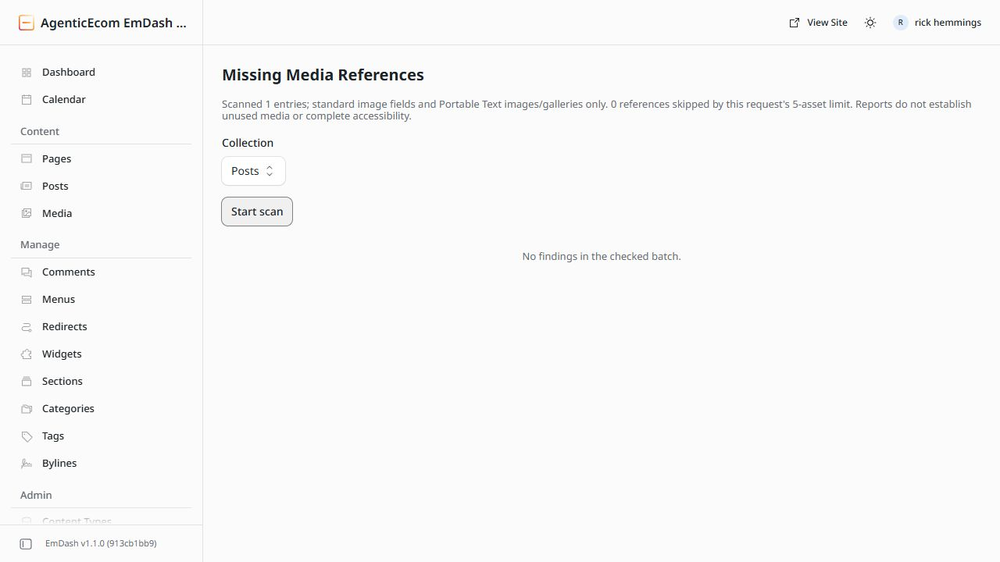
Security
Report security issues through https://agenticecom.net/contact-us. Do not include credentials or private content in public reports.
Changelog
0.1.1: Corrected product-specific icon; runtime and requested permissions unchanged.
0.1.0: Initial AgenticEcom workbench release. Local EmDash 1.1/Workerd verification; see README for scope and limits.
Installation
Install the verified registry release from EmDash Plugins. Review the requested capabilities before activation.