
@azydeco.com/emdash-plugin-custom-404
Custom 404
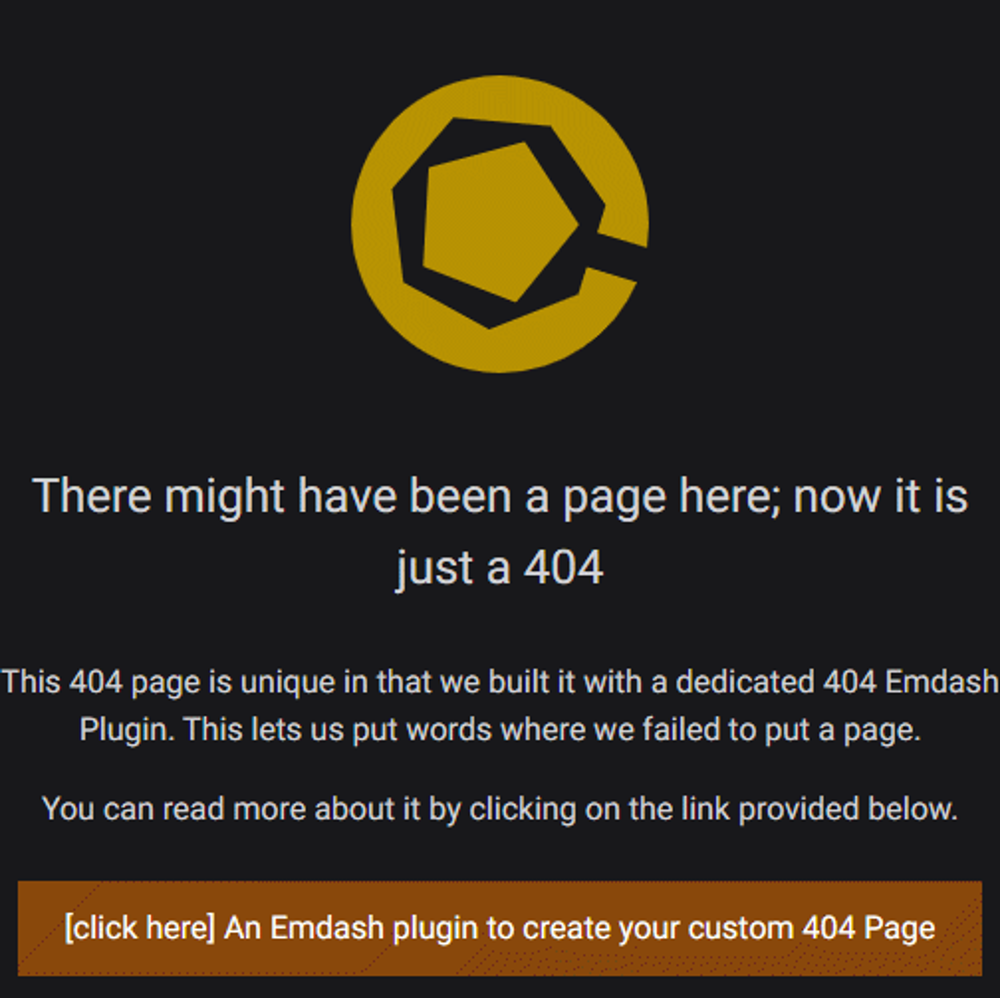
Let editors design your 404 page in the EmDash admin, served with a real 404 status. Install the native plugin from npm; this links to it.
About Custom 404
Custom 404 lets editors design your site's 404 page from the EmDash admin. The page is served with a real 404 Not Found status, so search engines don't index missing URLs as content.
This Registry listing is not the plugin. Installing it from the Registry adds one information page to the admin and nothing else. Custom 404 itself is a native plugin, installed from npm:
pnpm add @azydeco/emdash-plugin-custom-404
Why it must be native
The Registry lists sandboxed plugins only, and Custom 404 can't run in the sandbox. It renders public markup on your site, uses a React admin editor, and sets the response status and headers. Those need a native plugin, registered in plugins: [] in astro.config.mjs.
Links
Screenshots
Installation
Installing from the Registry adds an information page only; it does not change your 404 page. To get Custom 404, install the native plugin from npm — pnpm add @azydeco/emdash-plugin-custom-404 — and register it in plugins: [] in astro.config.mjs. Full setup: README.