@bitdoze.com/emdashhq-widgets
Content Widgets
Article widgets as content blocks: notices, accordions, tabs, steps, product boxes, embeds, code, cards, quotes, TOC and latest posts.
About Content Widgets
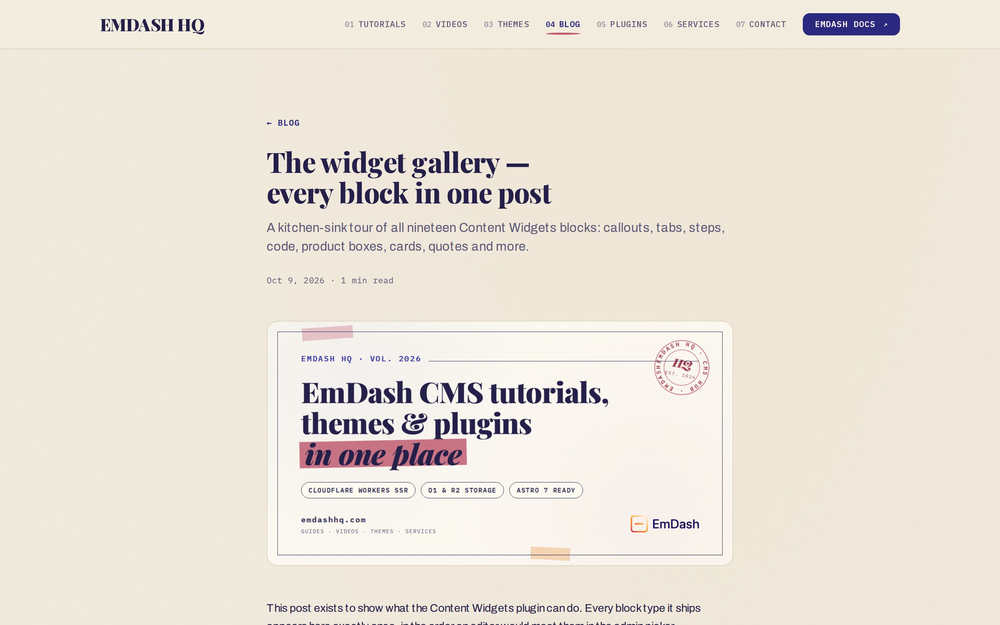
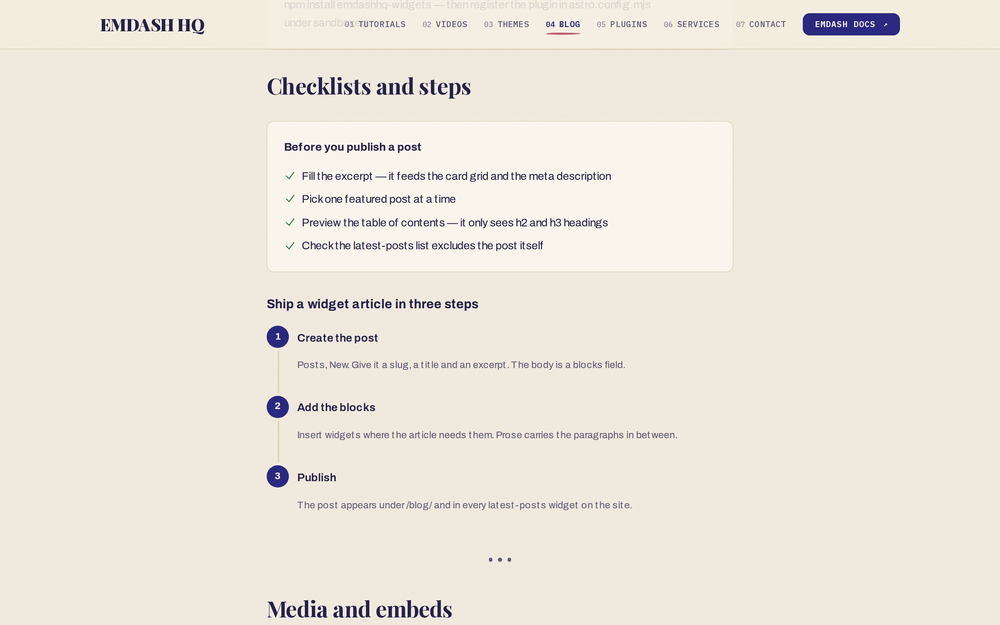
A set of article widgets for EmDash sites: callouts, accordions, tabs, checklists, buttons, YouTube and iframe embeds, product/review boxes, pull quotes, facts tables, an automatic table of contents, series navigation and a live "latest posts" list.
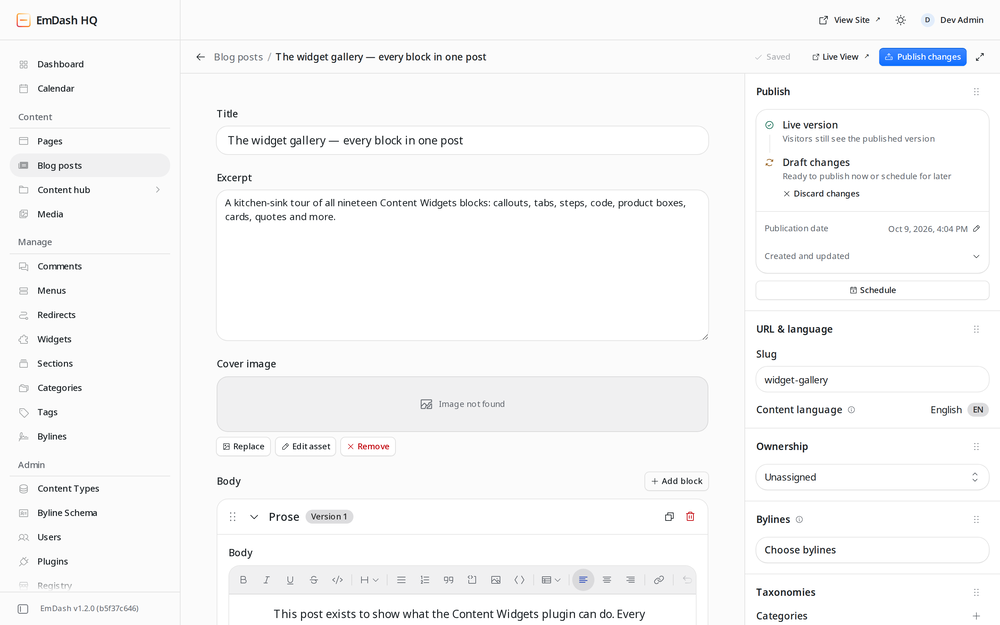
Each widget is a blocks-field block type, so editors can drop them into any blocks-based field — page content, blog post bodies, landing pages — wherever your schema allows them.
What's included
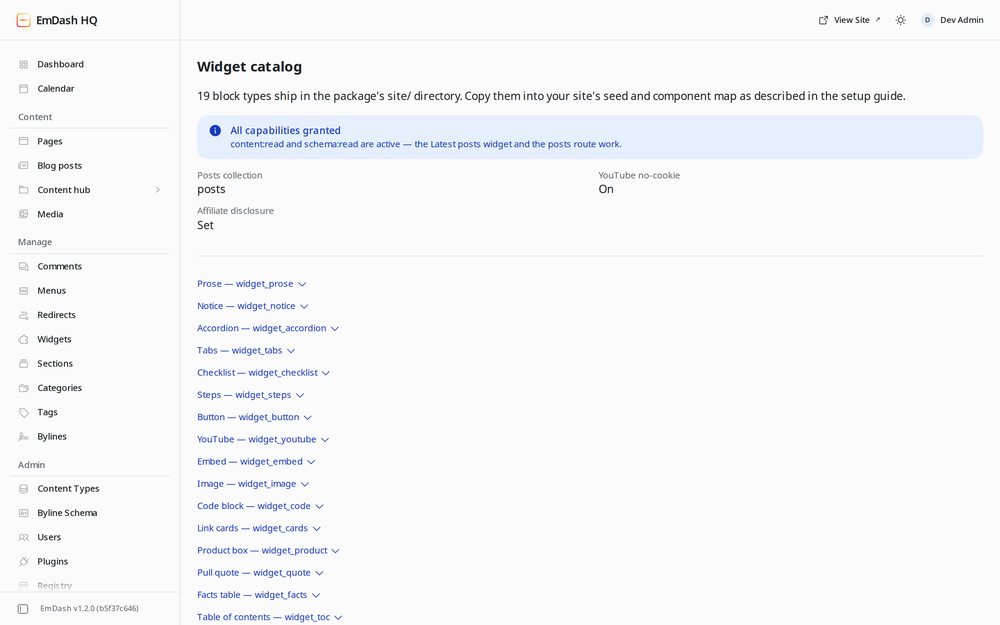
Nineteen block types, all prefixed widget_: Prose, Notice, Accordion, Tabs, Checklist, Steps, Button, YouTube, Embed, Image, Code, Product box, Link cards, Pull quote, Facts table, Table of contents, Series nav, Latest posts and Divider.
How it works
Sandboxed plugins cannot ship Astro render components, so the widgets are distributed as block-type JSON + ready-made Astro components inside the package's site/ directory. You copy them into your site once; the plugin supplies shared runtime behavior (privacy mode for YouTube, the affiliate disclosure line, the posts query) through two public routes the components call in-process — no HTTP roundtrip.
The plugin also adds a Widget catalog admin page documenting every block's fields, and a Setup guide page with the exact install steps and settings status.
Screenshots
Faq
Why do I have to copy files instead of the plugin doing it?
Sandboxed plugins run in an isolated runtime and cannot register Astro render components. The site/ directory ships the same block-type JSON and components the plugin author uses, so installation is a one-time copy into your repo — after that the widgets behave like any of your own block types.
Do the widgets work without the plugin installed? The static ones do — Prose, Notice, Accordion, Tabs, Checklist, Button, Embed, Quote, Facts, TOC and Series need only the block types and components. YouTube, Product box and Latest posts read plugin settings or routes; without the plugin they fall back to defaults (no-cookie on, no disclosure, empty list).
Does the YouTube widget set cookies?
No player loads until the visitor clicks the facade. With the default privacy setting the player then comes from youtube-nocookie.com, which sets no tracking cookies even then.
How does Latest posts build its list?
The component calls the plugin's public posts route in-process (no HTTP request). The route lists published entries newest-first from the configured collection and resolves each entry's public URL from its collection's urlPattern.
Can I restyle the widgets?
Yes — every component uses wgt-* classes and reads your design tokens (--color-brand, --color-surface, …) with neutral fallbacks. Override the classes or the tokens to match your theme.
Do the widgets work inside regular pages too?
Yes. Add the widget_* types to the allowedTypes of any blocks field — pages, posts, or anything else.
Changelog
1.0.1
- Registry listing assets: plugin icon, banner and screenshots
- Doc fixes: 19-block list in description and changelog
1.0.0
- Initial release: 19
widget_*block types (prose, notice, accordion, tabs, checklist, steps, button, YouTube, embed, image, code, product, link cards, quote, facts, table of contents, series nav, latest posts, divider) - Block-type JSON and self-contained Astro components under
site/ - Public
configroute for shared settings (YouTube privacy mode, affiliate disclosure, posts collection) - Public
postsroute listing newest published entries with resolved URLs - Block Kit admin pages: widget catalog and setup guide
Installation
1. Install the plugin
Install @bitdoze.com/emdashhq-widgets from the EmDash plugin registry, or link it as a file dependency and register it under sandboxed: in astro.config.mjs:
import widgetsPlugin from "emdashhq-widgets";

emdash({
	// ...
	sandboxed: [widgetsPlugin],
	sandboxRunner: sandbox(), // @emdash-cms/cloudflare
});
The plugin asks for content:read and schema:read — approve them so the Latest posts widget and the posts route work. Static widgets render without them.
2. Add the block types to your schema
Copy site/block-types/*.json into your seed file's blockTypes array (or POST each file's contents to /_emdash/api/schema/block-types on a live site), then list the types in the allowedTypes of whichever blocks fields should accept them — for example pages.content or posts.body.
3. Register the renderers
Copy site/components/*.astro, site/components/config.ts, site/components/icons.ts, site/widget-components.ts and site/WidgetBlocks.astro into your project, then either render WidgetBlocks for a widget-only field:
<WidgetBlocks value={post.data.body} />
or spread widgetComponents into your existing map:
const blockComponents = defineBlockComponents<PageContentBlock>({
	marketing_hero: Hero,
	// ...
	...widgetComponents,
});
4. Configure
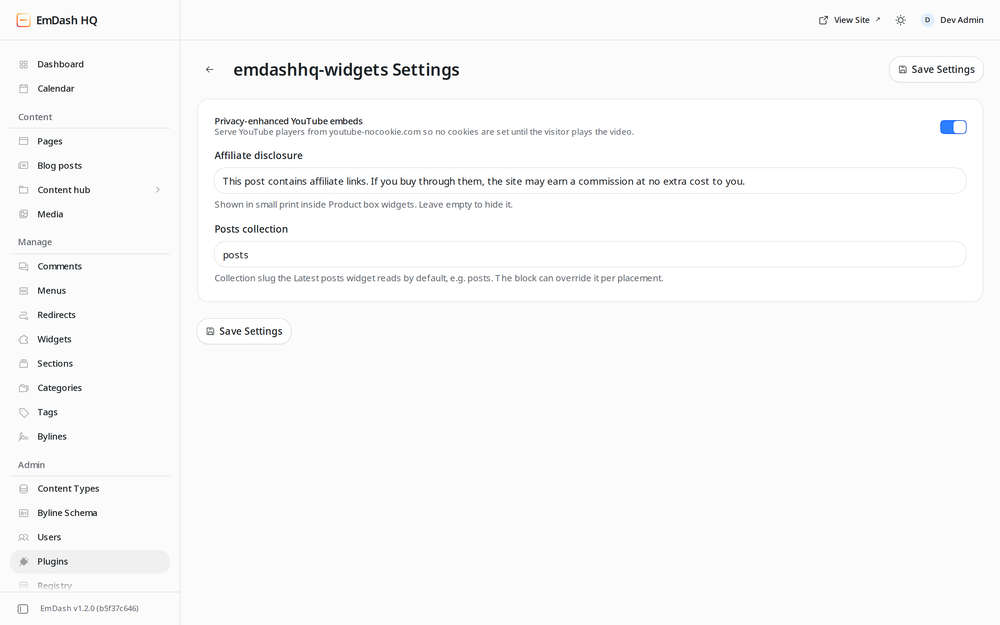
Settings live under Plugins → Content Widgets → Settings:
- Privacy-enhanced YouTube embeds — serves players from
youtube-nocookie.com(default on). - Affiliate disclosure — small-print line inside Product box widgets; empty hides it.
- Posts collection — default collection for the Latest posts widget and
postsroute.