
DashCommerce Lite
Sell products from your EmDash content: a cart, Stripe Checkout, stock tracking, refunds, tax and shipping, and an orders admin.
@dashcommerce.bsky.social/dashcommerce-liteOr open Registry in your EmDash admin and search for this name.
Overview
DashCommerce Lite turns the entries in your products collection into a
shop. Shoppers add items to a cart and pay on Stripe's hosted Checkout
page. You manage orders, stock and settings in the EmDash admin. It runs
as a sandboxed plugin, so there is nothing to install from npm.
What it does
- Prices, SKU and stock settings come from each product entry.
- A cart that needs no shopper account.
- Stripe hosted Checkout, including methods that confirm later, such as SEPA Direct Debit.
- A signed Stripe webhook: an order is marked paid only when Stripe says so, and repeated events are ignored.
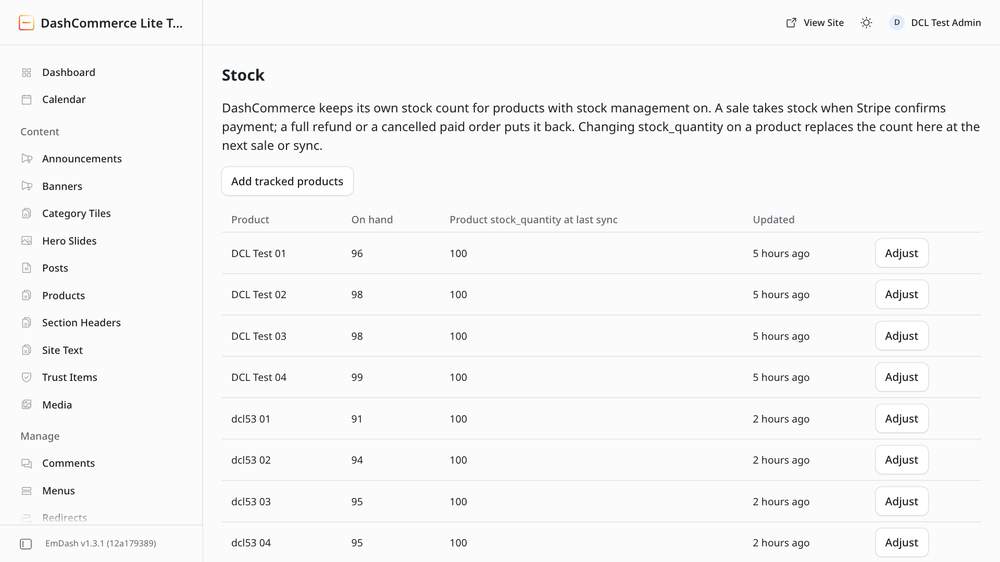
- Stock is taken when payment is confirmed and put back when a paid order is cancelled or fully refunded.
- Refunds made in the Stripe Dashboard show up on the order.
- Flat tax and shipping, or Stripe Tax.
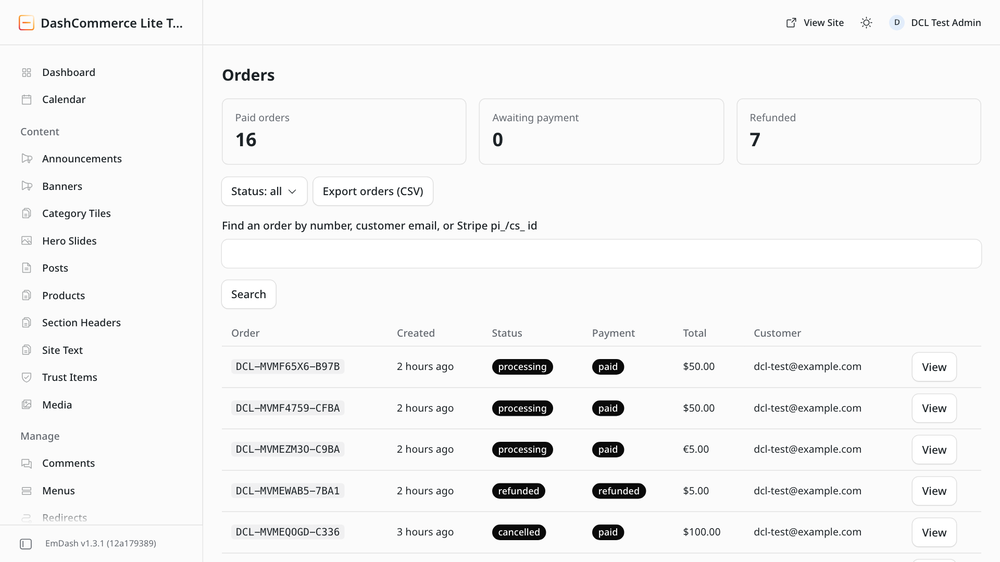
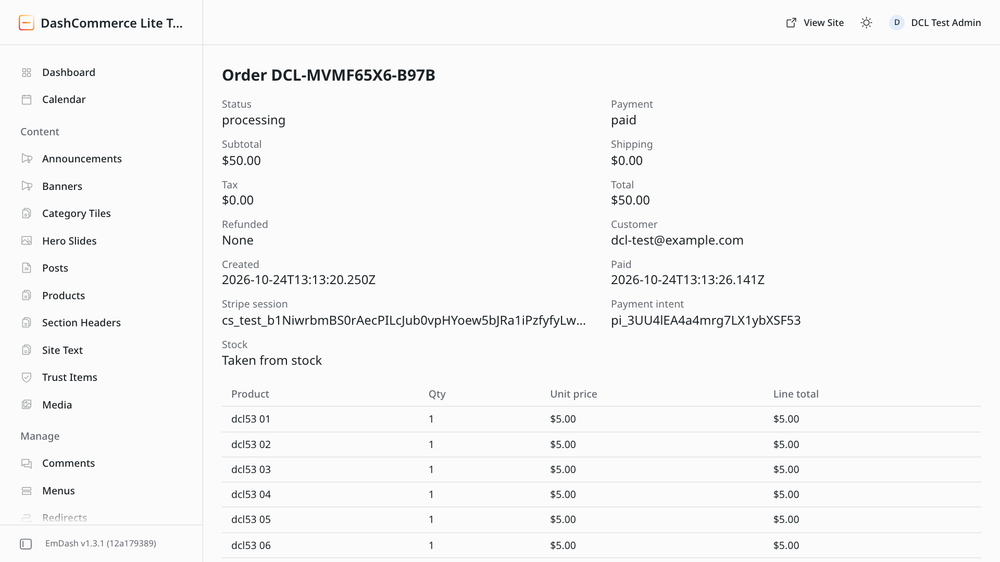
- Admin pages for orders (search, cancel, CSV export), stock and settings, plus a Recent orders widget.
Access it asks for
Read content (product prices and stock), network requests to
api.stripe.com only, and its own storage for orders, carts, stock and
Stripe events.
Before you install
- Cloudflare Workers Paid is required. EmDash runs sandboxed plugins in Worker Loaders, which are only on the paid plan.
- Requires EmDash 1.3 or later.
- Do not install it alongside
@dashcommerce/core, the full DashCommerce plugin on npm. Each runs its own cart, checkout, orders and Stripe webhook. Pick one. - Simple products only. Variable products, subscriptions and order emails
are in
@dashcommerce/core. - Your theme needs the small storefront kit. See Installation.
Links
Screenshots
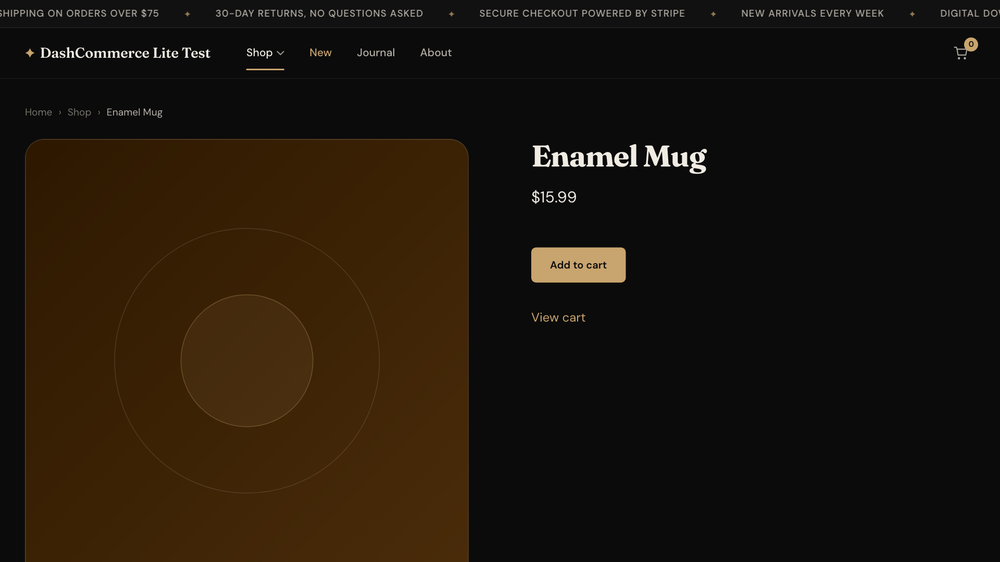
Permissions
Plugins get only the capabilities they declare and you approve. Your EmDash admin lists these again before anything installs.
Installation
- Check the site runs on Cloudflare Workers Paid with a
worker_loadersbinding ("worker_loaders": [{ "binding": "LOADER" }]inwrangler.jsonc) and a cron trigger (every minute works well). - Set
EMDASH_ENCRYPTION_KEYon the site so the Stripe keys are stored encrypted. - Install DashCommerce Lite and approve its access.
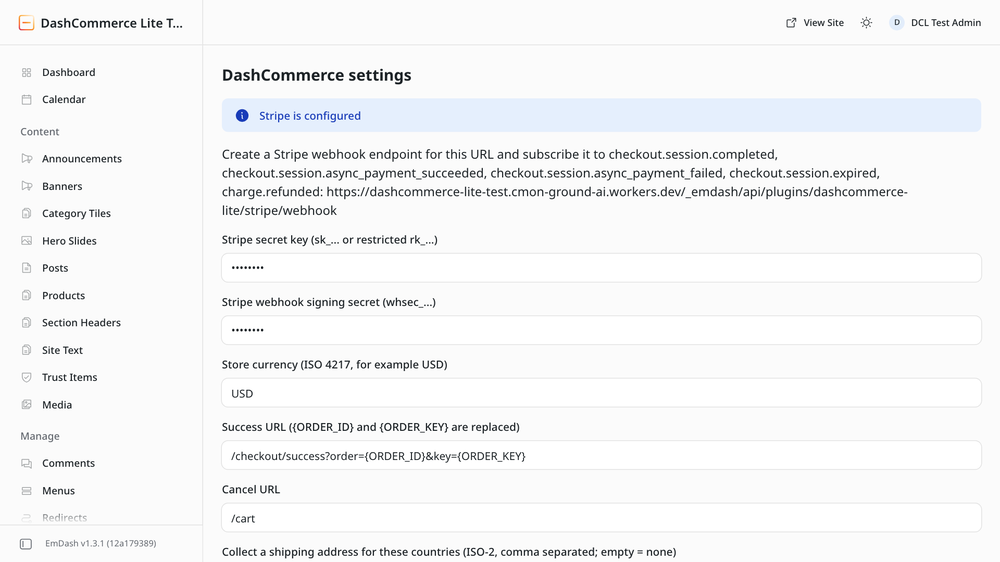
- Open DashCommerce > Settings and add your Stripe secret key. Create a Stripe webhook endpoint for the URL and events shown on that page, then paste its signing secret into Settings.
- Add the storefront kit to your theme: copy
storefront/dashcommerce.jsandstorefront/dashcommerce.d.tstosrc/lib/, and the components instorefront/astro/tosrc/components/. Use<AddToCart />on product pages,<Cart />on the cart page,<CartCount />in the header and<CheckoutSuccess />on/checkout/success.
The kit is in the repository: https://github.com/emdashCommerce/dashcommerce/tree/main/packages/lite/storefront. The DashCommerce starter theme has it wired in already.
Keep exploring
More plugins like DashCommerce Lite
Browse by keyword, or see everything @dashcommerce.bsky.social publishes.