@desidashlab.bsky.social/announcement-bar
Announcement Bar
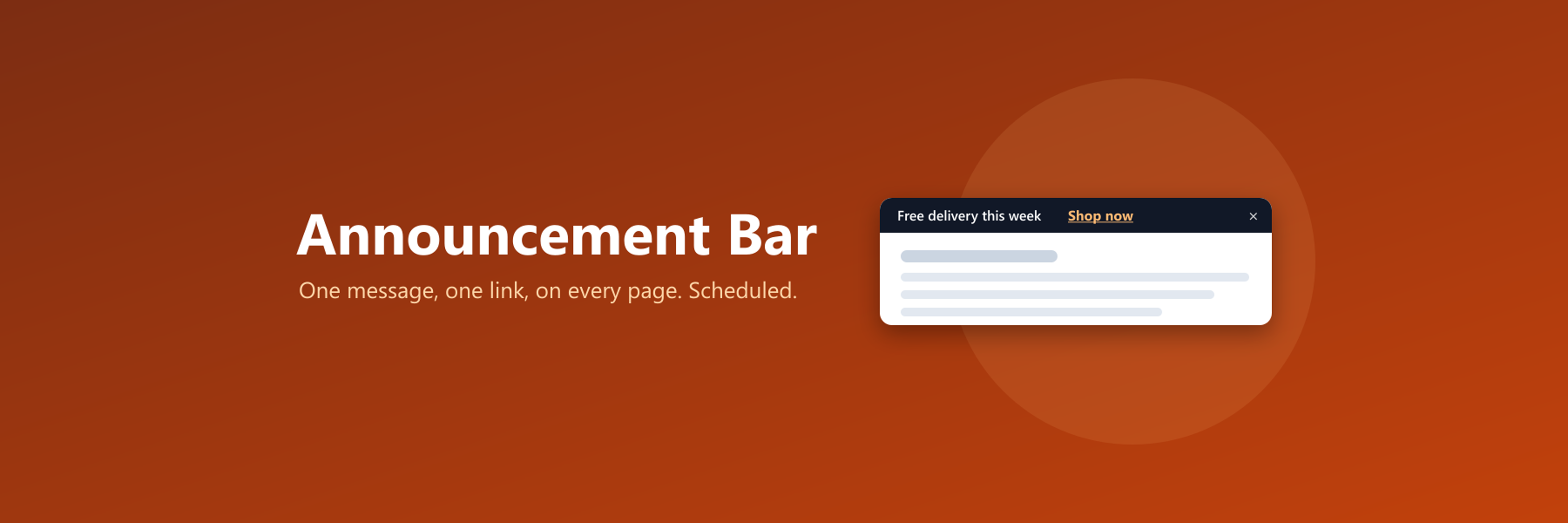
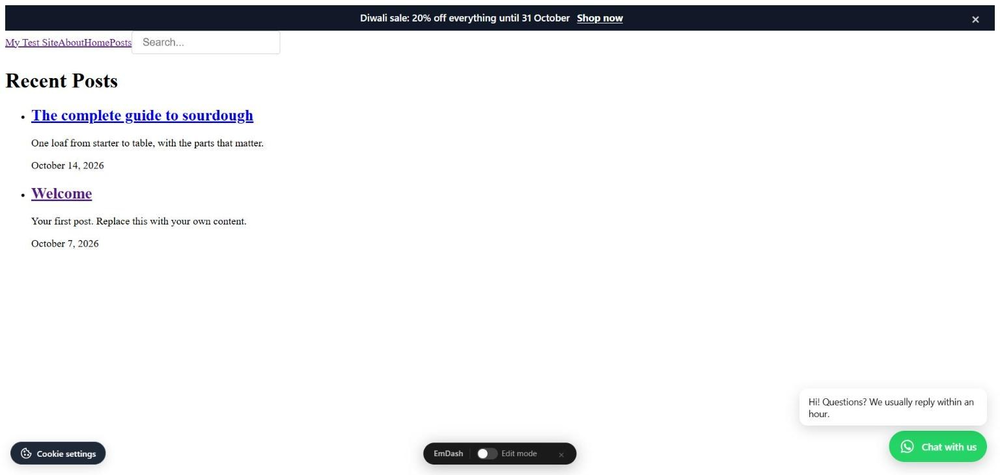
A bar at the top or bottom of every page with a message and a link. Start and end dates, close button, your colours.
About Announcement Bar
A bar at the top or bottom of every page with a message and a link. Start and end dates, close button, your colours.
Screenshots
Faq
What does this plugin do?
It shows one bar across the top or bottom of your site with a short message and, if you want, a link: free delivery this week, a new post, opening hours over a holiday. You write it in the admin and switch it on or off there. No theme editing after the one-time setup.
Can I schedule it?
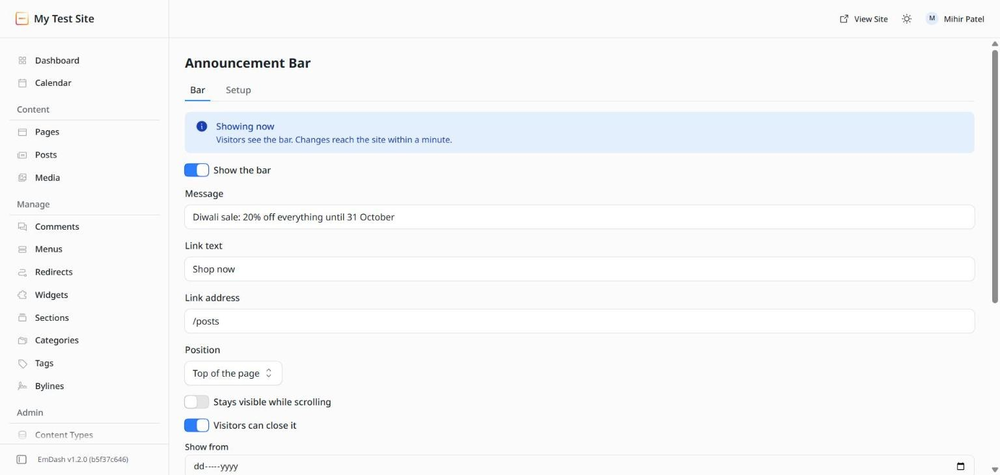
Yes. Set Show from and Show until and the bar appears and disappears on those days by itself. Leave either empty to skip that side. Dates follow each visitor's own clock.
Can visitors close it?
If Visitors can close it is on, the bar has a close button. A visitor who closes it does not see it again on that device until you change the message or the link. Switch the option off for notices everyone must see.
Where does the link open?
A path on your site, such as /shop, opens in the same tab. An address on another site opens in a new tab.
Can I change the colours?
Yes, background and text, as hex codes such as #111827 and #ffffff. The font comes from your theme.
Does it cover my menu?
At the top the bar sits above everything else and pushes the page down, so nothing is hidden. Turn on Stays visible while scrolling to keep it on screen. At the bottom it floats over the page and the page gets a little extra room so the last line is never hidden.
Does it collect anything?
No. The plugin has no access to your content and makes no requests outside your site. The only call is your site fetching its own settings.
Changelog
0.1.0
- First release. One bar at the top or bottom of the site with a message and an optional link.
- Start and end dates, close button that remembers the choice per device, stays-visible option, background and text colours.
- Show on every page, the home page only, or addresses starting with a path.
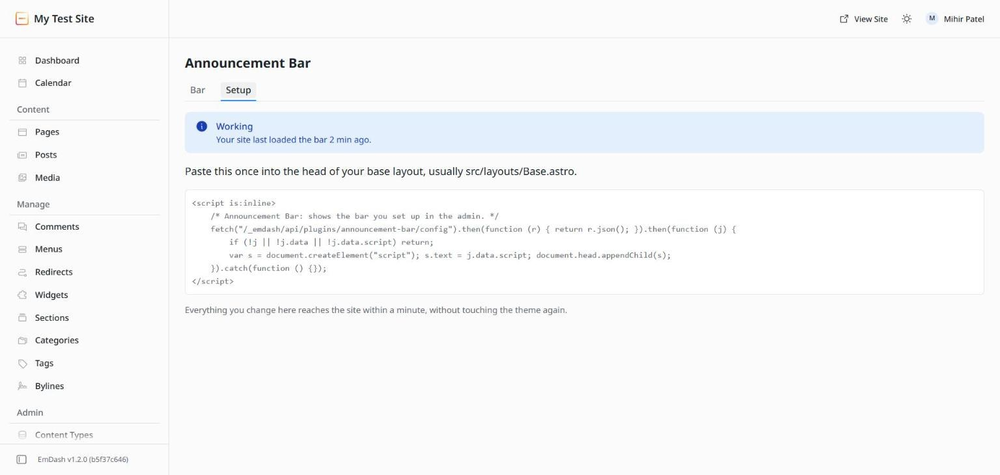
- Bar tab tells you whether the bar is showing, waiting for its start date or ended. Setup tab shows whether the site is loading it.
Installation
Two steps
- In your EmDash admin open Registry, search for Announcement Bar, and click Install. It asks for no permissions.
- Open Announcement Bar in the left menu, go to the Setup tab, and paste the short block it shows into the head of your base layout, usually
src/layouts/Base.astro. If someone else built your site, send them that block.
Then type your message on the Bar tab, add a link if you want one, and switch the bar on. It appears on the site within a minute. Set a start and end date for a sale or a holiday notice and it comes and goes by itself.