
@desidashlab.bsky.social/cookie-consent
Cookie Consent
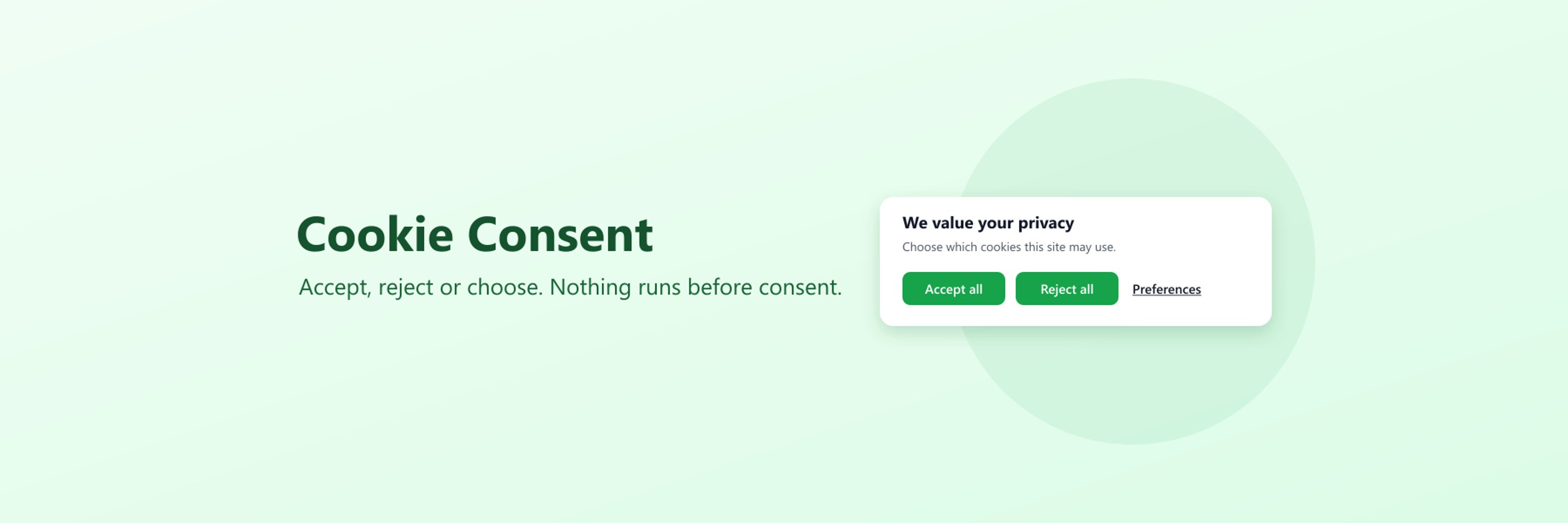
A cookie banner done properly: accept, reject or choose by category, nothing runs before consent, Consent Mode, every choice recorded.
About Cookie Consent
A cookie banner done properly: accept, reject or choose by category, nothing runs before consent, Consent Mode, every choice recorded.
Screenshots
Faq
Is this enough for GDPR?
It covers what regulators ask of a banner: a real choice before anything optional runs, Reject as easy as Accept, a choice per category, a plain explanation of each cookie, a way to change the choice later, and a record of it. Your privacy policy is still yours to write.
What happens before the visitor chooses?
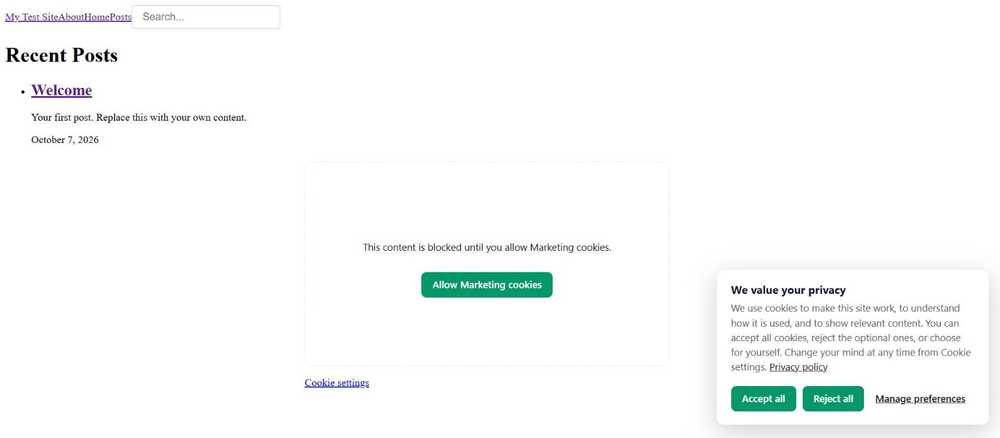
Nothing optional runs. Scripts you tag with a category wait for consent. Well-known trackers such as Meta Pixel, Hotjar, Clarity, LinkedIn and TikTok are held automatically: never run, though the browser may still download the file. Tag them yourself to stop even that.
Does it work with Google Analytics 4 and Google Ads?
Yes. The script sends Google Consent Mode v2 signals: all denied before the visitor chooses, then updated to match the choice. Google's tags follow those signals.
Do I have to tag my scripts?
Only ones the plugin does not recognise. Give them type="text/plain" and data-cc="analytics" or data-cc="marketing". For YouTube or Maps embeds, use data-src instead of src and the visitor sees an Allow button in its place.
What is recorded?
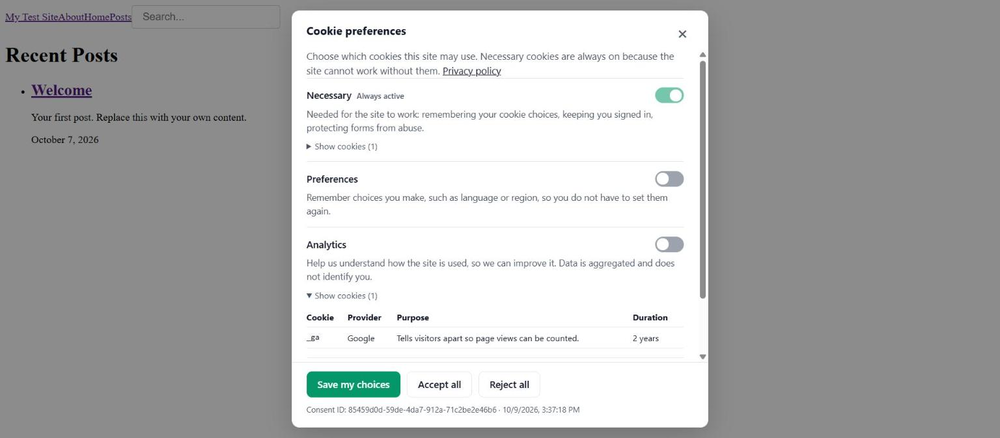
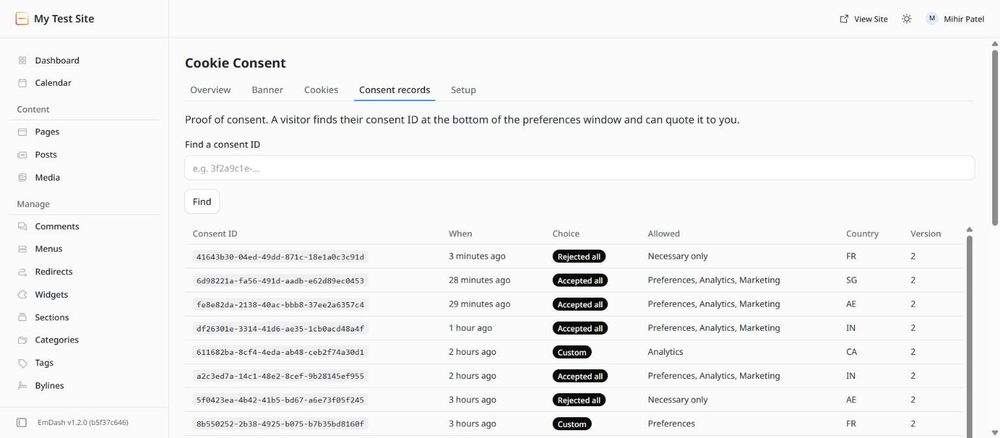
A random consent ID, the time, the choice, the allowed categories, the consent version, and the country when the site runs on Cloudflare. No IP address, no browser details. The visitor sees their consent ID in the preferences window. Records are kept for 13 months.
I added a new cookie. Do visitors choose again?
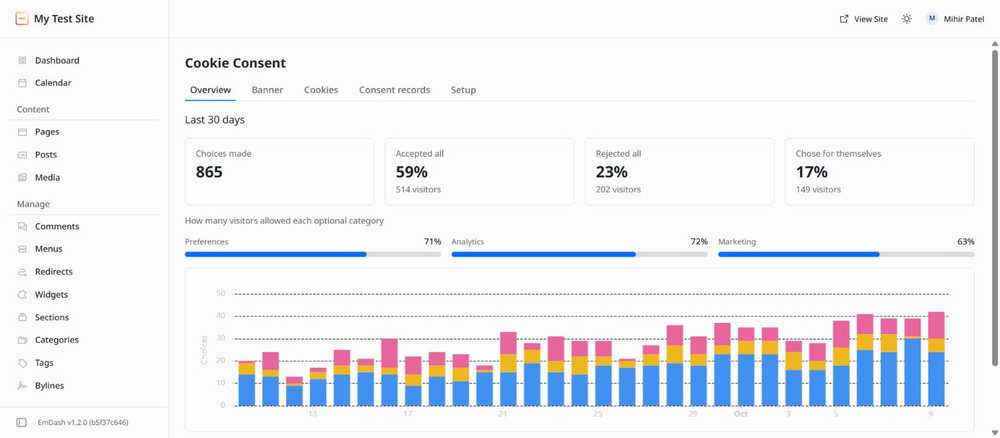
Add it to the list, then press Ask everyone again on the Overview tab. Every visitor sees the banner on their next visit.
How do I know which cookies my site sets?
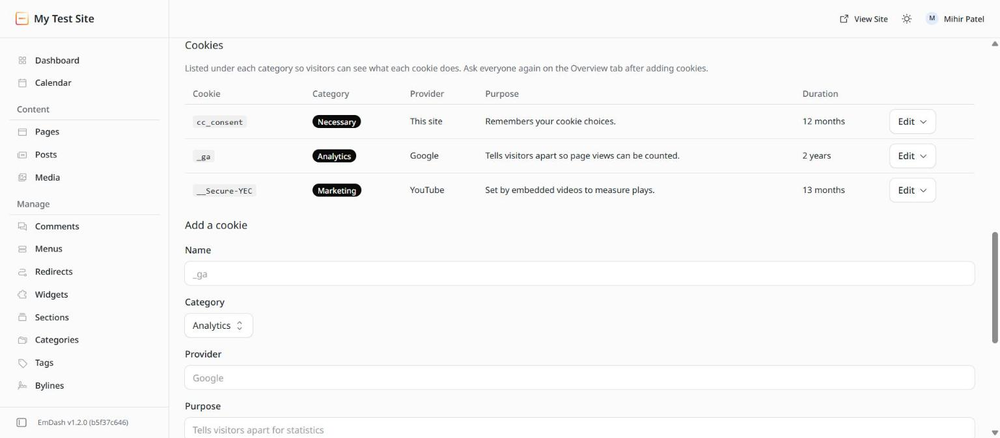
The script reports cookie names it sees in visitors' browsers, nothing else. Names not in your list appear in the Cookies tab, where one click adds them to a category.
Can I show the banner only to European visitors?
Yes, in the Banner tab. The country comes from Cloudflare when hosted there; elsewhere the banner shows to everyone.
Changelog
0.1.0
- First release. Banner with Accept all, Reject all and Manage preferences; preferences window with Necessary, Preferences, Analytics and Marketing and the cookies in each.
- Nothing optional runs before consent: tagged scripts and embeds wait, well-known trackers are held automatically, Google Consent Mode v2 signals are sent before any tag loads.
- Every choice is recorded with a consent ID the visitor can quote. Searchable in the admin.
- Cookie discovery: cookie names seen on the site that are not listed yet show up for one-click categorising.
- Layout, position, colours and all wording editable. Banner can be limited to EU, UK and Swiss visitors.
- Ask everyone again after changing the cookie setup.
Installation
Three steps
- In your EmDash admin open Registry, search for Cookie Consent, and click Install. It asks for no permissions.
- Open Cookie Consent in the left menu, go to the Setup tab, and click Download cookie-consent.js. Put the file in your site's
publicfolder. - Load it as the first script in the head of your base layout, before any analytics or marketing tag:
<head>
	<script is:inline src="/cookie-consent.js"></script>
	{/* everything else */}
</head>
If someone else built your site, send them the file and that one line.
The banner appears on every page right away. Wording, colours, layout, categories and the cookie list are all managed in the admin; the site picks up changes without touching the theme again.