
@desidashlab.bsky.social/header-footer-code
Header & Footer Code
Add Google Analytics, Tag Manager, pixels or any code to your site's head or body from the admin. No theme editing.
About Header & Footer Code
Add Google Analytics, Tag Manager, pixels or any code to your site's head or body from the admin. No theme editing.
Screenshots
Faq
What does this plugin do?
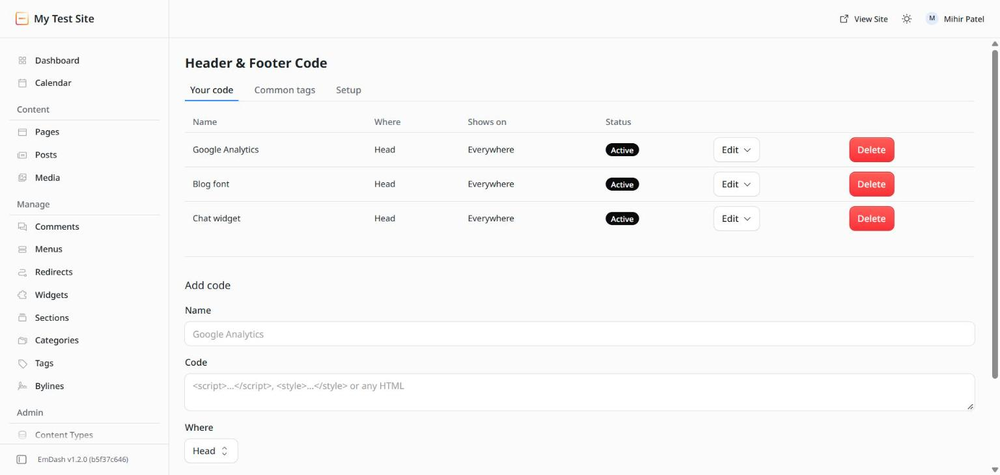
It lets you add small pieces of code to your site from the admin: Google Analytics, Tag Manager, a Meta Pixel, a chat widget, a font, a bit of CSS. You choose where the code goes and on which pages, and you can switch it off any time. You never open theme files.
Where can the code go?
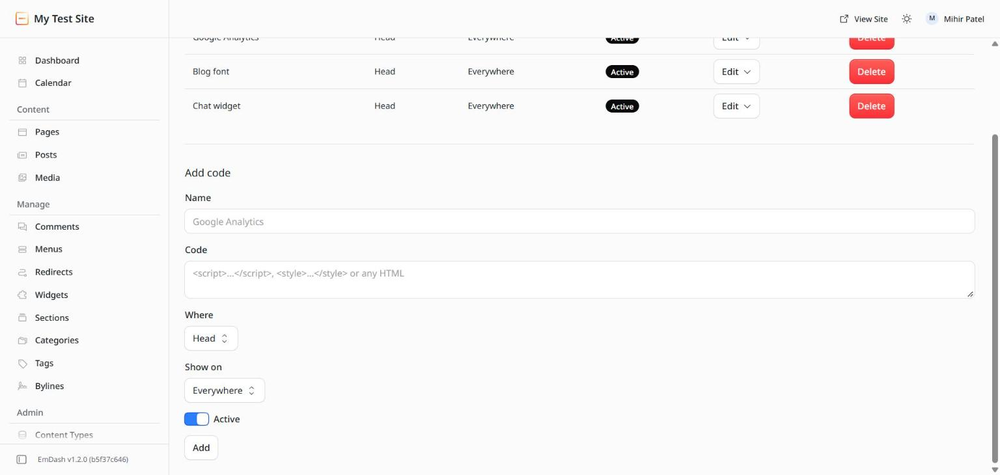
Three places: the head, the start of the body, or the end of the body. Analytics tags belong in the head. Chat widgets and most other scripts belong at the end of the body.
Can I show code only on some pages?
Yes. Each snippet can show everywhere, only on the home page, or only on addresses that start with a path, such as /blog or /shop.
Do I need to know code?
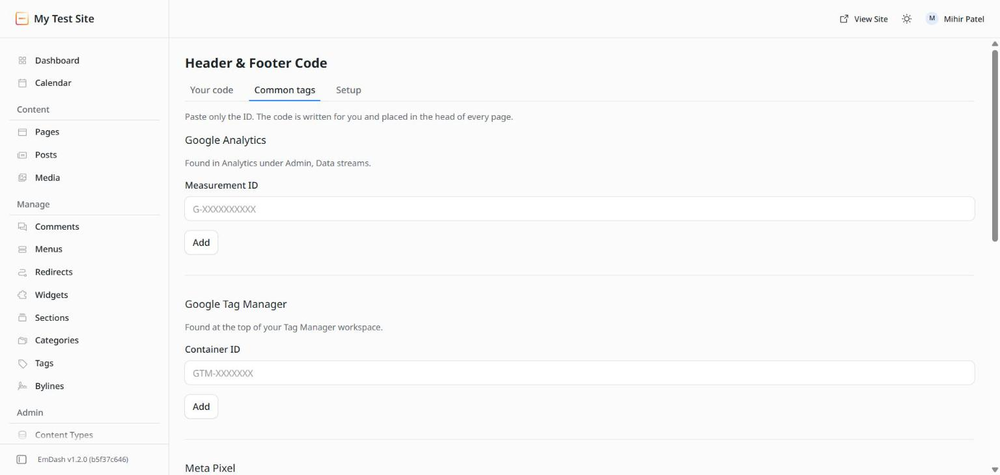
Not for the common ones. On the Common tags tab you paste only the ID, and the plugin writes the code: Google Analytics, Google Tag Manager, Meta Pixel and Microsoft Clarity. For anything else, paste the code the service gives you into the Code box.
What about Google Search Console or Bing verification?
That is built into EmDash. Open Settings, then SEO, and paste the verification codes there. No plugin needed.
How does the code reach my site?
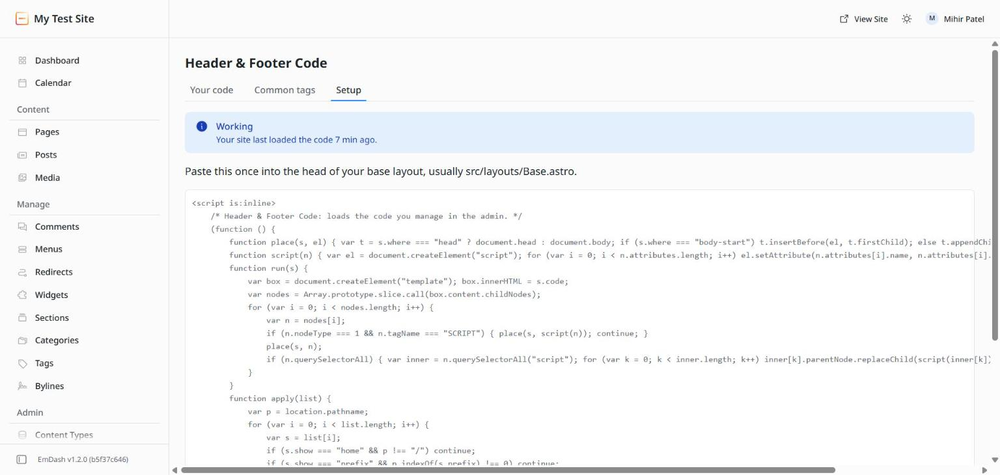
One short block from the Setup tab goes into the head of your base layout, once. After that it loads whatever you have added here. Changes reach visitors within a minute. The Setup tab tells you when your site last loaded the code.
Can I switch something off without deleting it?
Yes. Turn off keeps the code and stops it running. Turn on brings it back. Delete removes it for good.
Does it slow the site down?
The block in your theme is tiny and runs once per page. Each snippet only costs what the code itself costs, exactly as if it were pasted into the theme.
Changelog
0.1.0
- First release. Add code to the head, start of body or end of body, everywhere, on the home page, or on addresses starting with a path.
- Common tags by ID only: Google Analytics, Google Tag Manager, Meta Pixel, Microsoft Clarity.
- Turn snippets on and off, edit, delete. Setup tab shows whether the site is loading the code.
Installation
Two steps
- In your EmDash admin open Registry, search for Header & Footer Code, and click Install. It asks for no permissions.
- Open Header & Footer Code in the left menu, go to the Setup tab, and paste the short block it shows into the head of your base layout, usually
src/layouts/Base.astro. If someone else built your site, send them that block.
From then on everything is done in the admin. Add Google Analytics, Tag Manager, a Meta Pixel or Clarity from the Common tags tab by pasting the ID, or paste any code on the Your code tab. Changes reach the site within a minute.