
@desidashlab.bsky.social/post-views
Post Views
Privacy-first view counter. Popular posts on your dashboard and per-entry stats, with no third-party analytics.
About Post Views
Privacy-first view counter. Popular posts on your dashboard and per-entry stats, with no third-party analytics.
Screenshots
Faq
Does it count posts only?
No. Any published entry whose page carries the snippet is counted: posts, pages, products, anything. Your theme decides which pages include the snippet, and the Starter, Blog, Portfolio, and Marketing templates pass the content reference on every content page.
Can I choose what the dashboard widget shows?
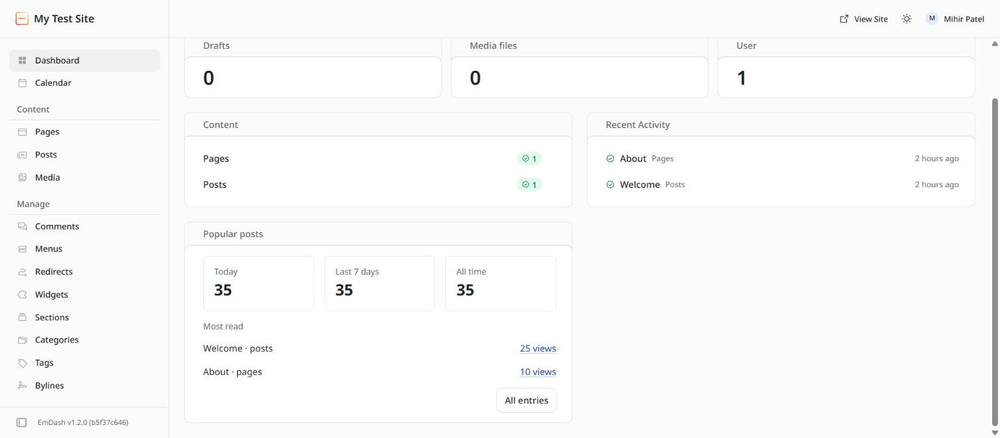
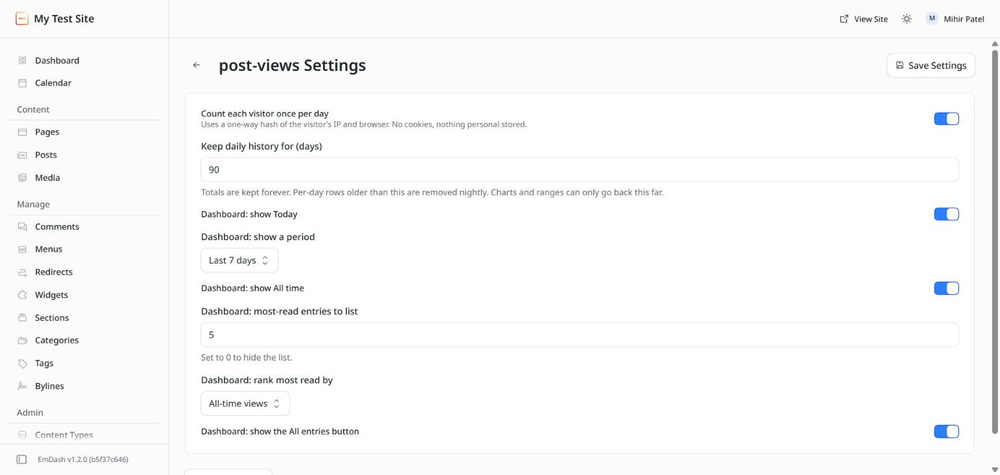
Yes. Open Plugins, then Settings next to Post Views. You can switch the Today, period, and All time cards on or off, pick the period, choose how many most-read entries to list and how to rank them, and hide the All entries button.
Is this GDPR or DPDP safe?
The plugin sets no cookies and stores nothing that identifies a person. Each visitor is counted once per entry per day using a one-way hash of IP address and browser string, and that hash is deleted the next night. There are no outbound requests to any third party.
Why do I see the same number for Today and All time?
Because the plugin was installed today. Daily history builds up from the day you add the snippet.
Can I see a chart?
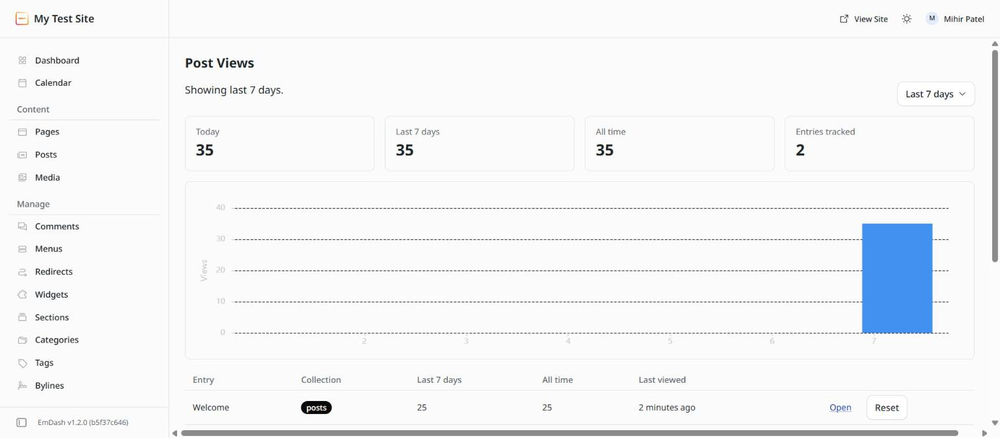
Yes. On the Post Views page choose a range of 7 days or longer. The chart shows daily views over that range, from the daily history kept by the Keep daily history setting.
Does it count editors and previews?
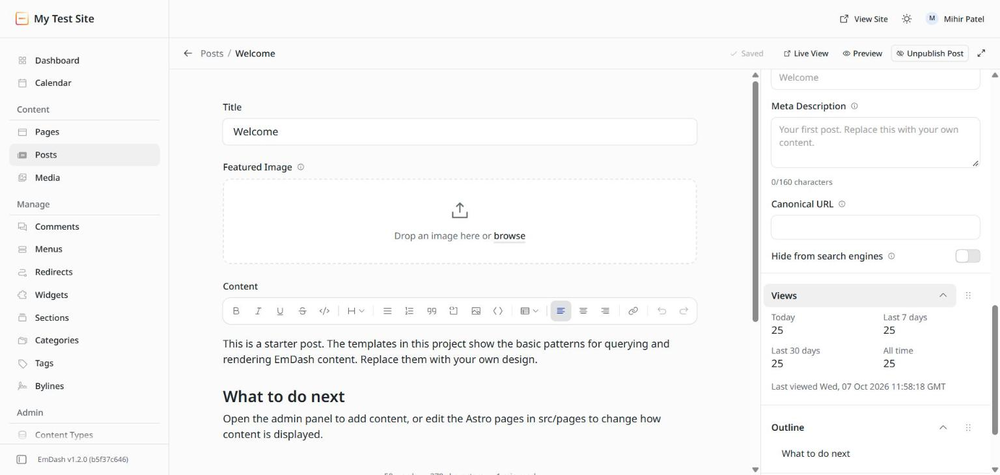
Only published entries are counted. Preview and draft views are ignored. Administrators reading the live site do count, like any visitor, once per day.
How do I reset the numbers?
On the Post Views page, each row has a Reset button, and Reset all counts at the bottom clears everything. Both ask for confirmation.
Changelog
0.1.1
- Dashboard widget is fully configurable in the plugin settings: which cards, which period, how many most-read entries, how they are ranked.
- Removed the comma-separated collections setting. Every published entry with the snippet is counted.
- Icon, banner, and screenshots for the registry listing.
- Editor panel uses a compact label/value layout that fits the sidebar.
- Theme snippet is wrapped across lines so the page no longer scrolls sideways.
- Singular "1 view" label on the dashboard widget.
- MIT license file included.
0.1.0
- First release. Counts views for posts and pages, once per visitor per day, with no cookies.
- Dashboard widget, editor panel, Post Views page with range picker and daily chart.
- Public
countandtoproutes for themes. - Nightly cleanup with configurable retention.
Installation
Install
- Open Registry in your EmDash admin, search for Post Views, and click Install.
- Approve the single permission, read content. The plugin uses it to confirm an entry exists and is published, and to remember its title for the most-read list.
- Open Post Views in the left menu and copy the theme snippet shown at the bottom of the page.
Add the snippet to your theme
The plugin cannot change your public pages, so one small script reports a view when a content page loads. Paste the snippet once into your base layout, for example src/layouts/Base.astro, just before </body>. It uses the content prop that EmDash templates already pass to the layout on content pages. No cookies are set.
Show counts on your site (optional)
- One entry:
GET /_emdash/api/plugins/<plugin id>/count?collection=posts&id=<entry id> - Most read:
GET /_emdash/api/plugins/<plugin id>/top?limit=5&collection=posts
Both routes are public and cached briefly, so they are safe to call from an Astro page or from the browser.