
@desidashlab.bsky.social/table-of-contents
Table of Contents
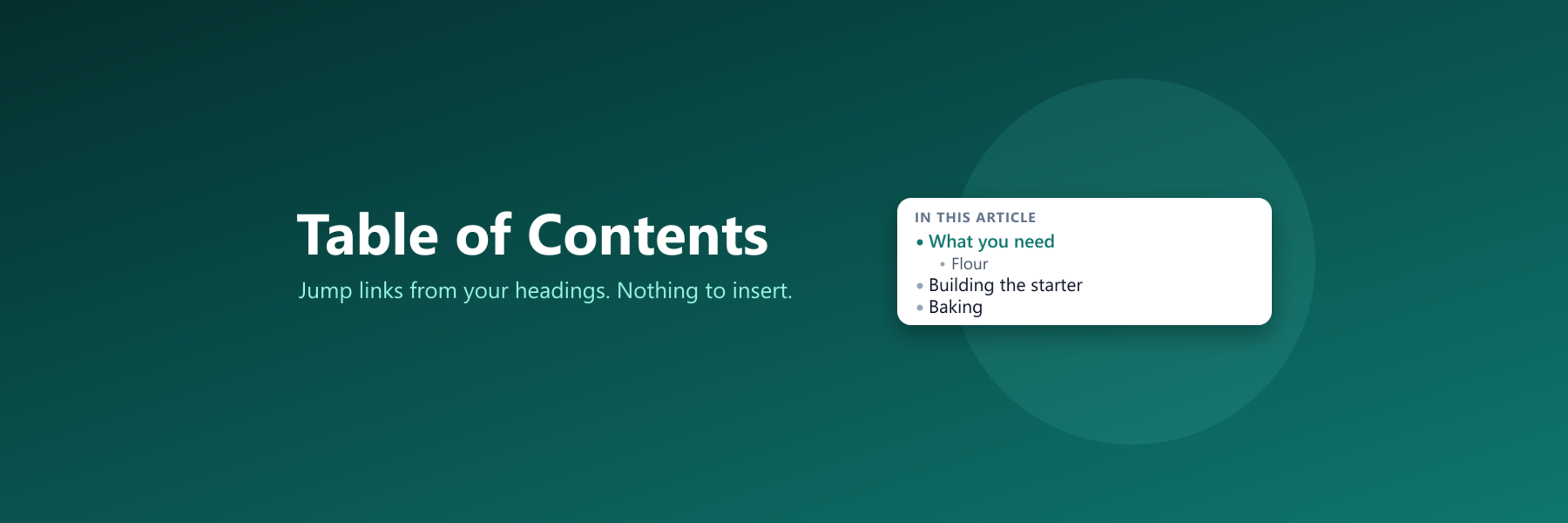
A table of contents built from the headings of each post, with jump links. Nothing to insert while writing.
About Table of Contents
A table of contents built from the headings of each post, with jump links. Nothing to insert while writing.
Screenshots
Faq
What does this plugin do?
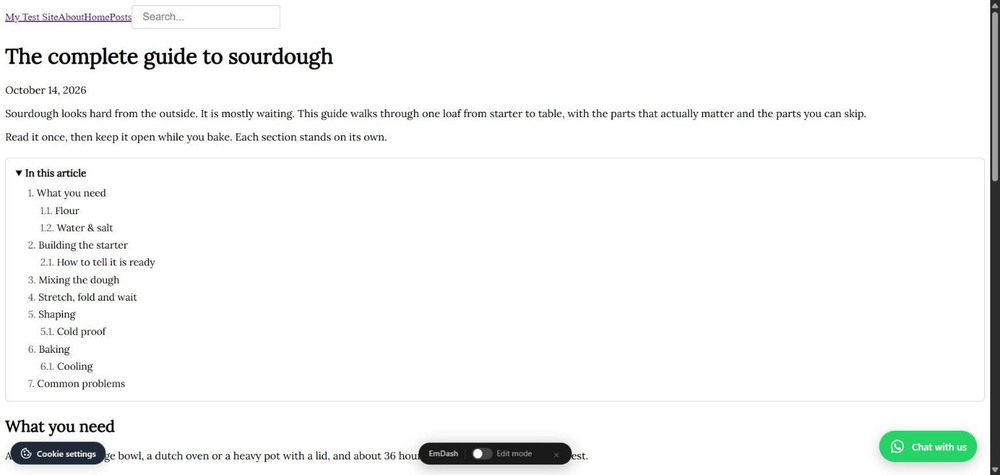
It reads the headings of a post or page in the reader's browser and shows a list of jump links at the top. Clicking a line scrolls to that section, the current section is marked while reading, and the address bar gets the section link so it can be shared. Writers do not insert anything.
Which headings are used?
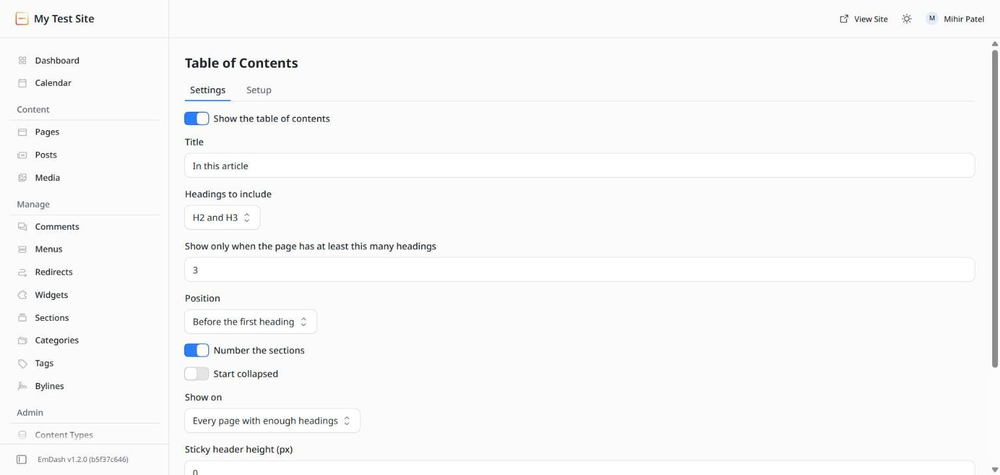
Your choice: H2 only, H2 and H3, or H2 to H4. H3 lines sit under their H2. H1 is never used, because that is the post title.
My headings have no ids. Does it still work?
Yes. The plugin gives each heading an id made from its text when it has none, so the links work on any theme.
Can I stop it on a short post?
The list only shows when a page has at least the number of headings you set, three by default. For a whole area of the site, use Show on with an address start such as /posts.
Where does it go?
Before the first heading, after the first paragraph, or at the top of the content area. If you want it somewhere else, put an empty element with data-toc in your template and it goes there.
A heading hides under my sticky menu after a jump
Set Sticky header height in Settings to the height of your menu bar in pixels.
Does it collect anything?
No. The plugin has no access to your content and makes no requests outside your site. The only call is your site fetching its own settings.
Does it slow the site down?
The script is about 5 KB, loads after the page is ready and is cached for a minute. Nothing is loaded from other servers.
Changelog
0.1.0
- First release. A table of contents built from the headings of each post or page, with jump links, smooth scrolling and the current section marked.
- Settings: title, which heading levels count, minimum number of headings, position, numbering, start collapsed, show everywhere or on addresses starting with a path, sticky header height, content area.
- Place it yourself with
data-toc. Leave a heading out withdata-toc-skip. - Setup tab shows whether the site is loading the table of contents.
Installation
Two steps
- In your EmDash admin open Registry, search for Table of Contents, and click Install. It asks for no permissions.
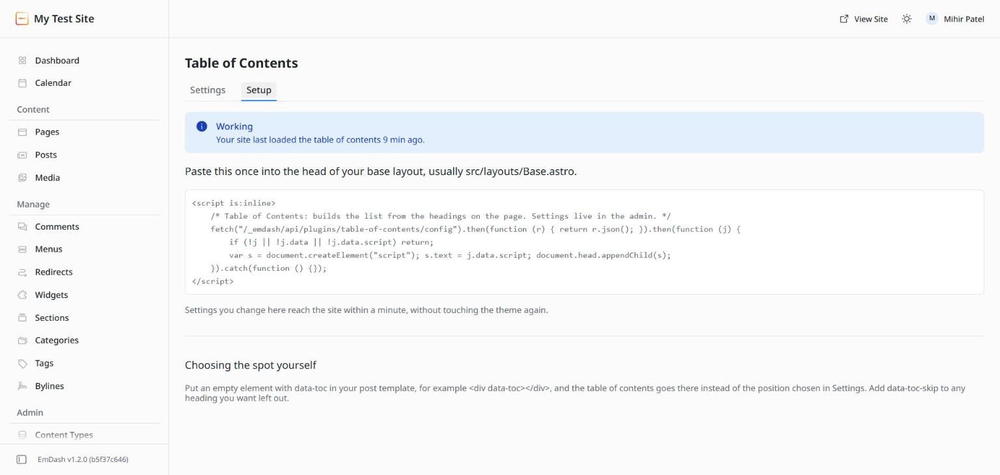
- Open Table of Contents in the left menu, go to the Setup tab, and paste the short block it shows into the head of your base layout, usually
src/layouts/Base.astro. If someone else built your site, send them that block.
That is all. Every post or page with enough headings gets a table of contents, and writers do nothing. The Settings tab sets the title, which headings count, where the list sits and whether it starts collapsed.
To pick the exact spot yourself, put <div data-toc></div> in your post template. To leave a heading out, give it data-toc-skip.