
UlazAI Media
Generate article images with UlazAI and import completed results into the EmDash media library.
@emdashplugins.bsky.social/ulazai-mediaOr open Registry in your EmDash admin and search for this name.
Overview
Create article images with UlazAI from the EmDash admin and save completed results in your media library.
- Add your UlazAI API key in plugin settings. EmDash encrypts it with the site's EMDASH_ENCRYPTION_KEY.
- Load the model catalog, choose a model and its supported aspect ratio and quality, then enter your prompt.
- Prepare the image, read the estimated credits and confirm the paid generation. The service sets the final charge.
- Refresh status, then save the completed image in the media library. Add alt text when using it in your article.
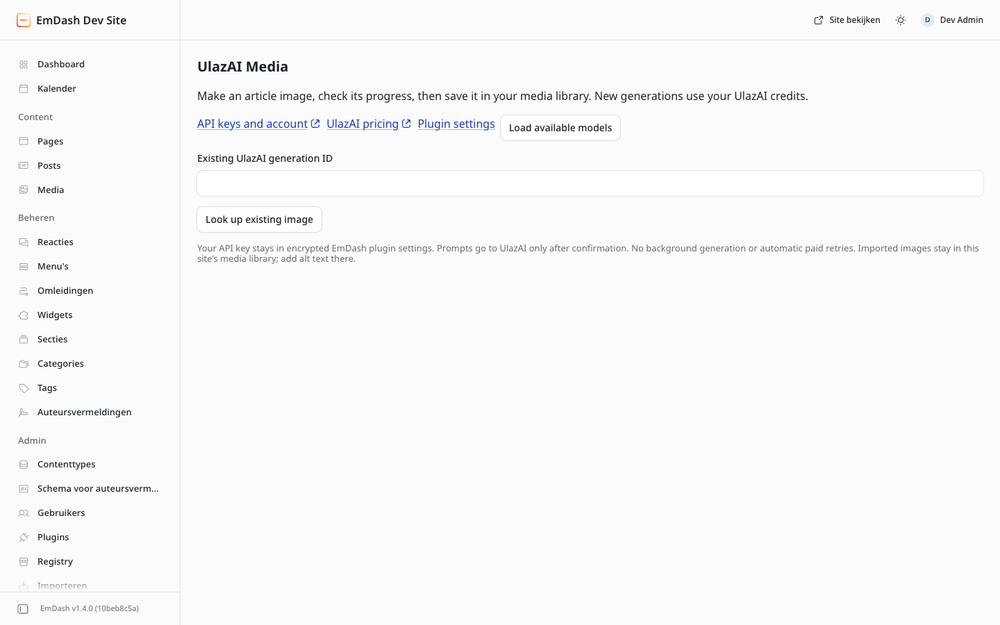
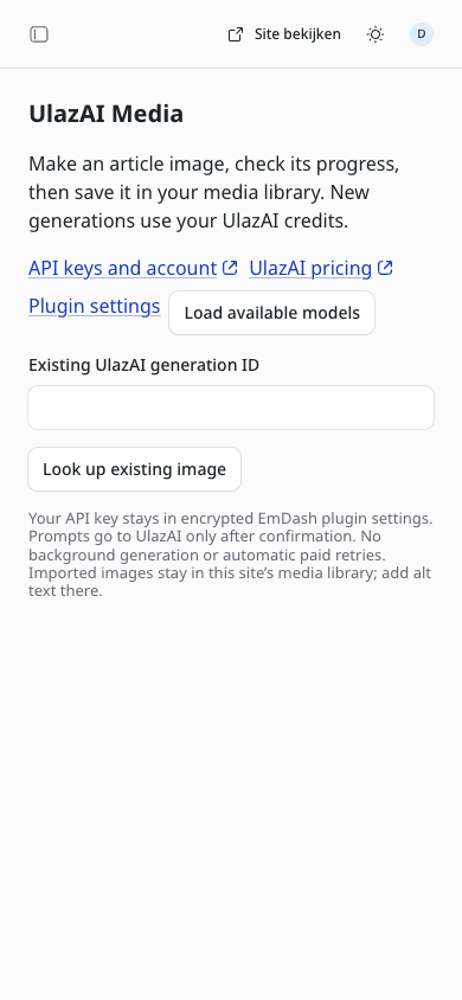
Already have an image? Enter its UlazAI generation ID to import it without generating again.
Requires EmDash 1.1+, a plugin sandbox and an eligible UlazAI account. New generations use paid credits. No automatic paid retries; each confirmation can submit once. PNG, JPEG and WebP imports up to 4 MiB. No automatic publishing or editing of articles.
Permissions: media:write and unrestricted network requests. Requests go to ulazai.com and the image hosts returned by its API. Your authorization header is never sent to image hosts. The private page requires plugin-management permission. The configured account and latest-result panel are shared by site administrators.
Prompts go to UlazAI after confirmation. Result IDs, one-use confirmations and imported media IDs stay in this site's plugin storage. An uncertain submission or import is not automatically retried: check the UlazAI history or media library first.
Screenshots
Permissions
Plugins get only the capabilities they declare and you approve. Your EmDash admin lists these again before anything installs.
Keep exploring
More plugins like UlazAI Media
Browse by keyword, or see everything @emdashplugins.bsky.social publishes.