
Pinnacle File Import
Import CSV, JSON and XML files, pasted or linked from Google Sheets, Drive, GitHub and Dropbox, with field mapping, matching and a run log.
@pinnacleplugins.com/pinnacle-file-importOr open Registry in your EmDash admin and search for this name.
Overview
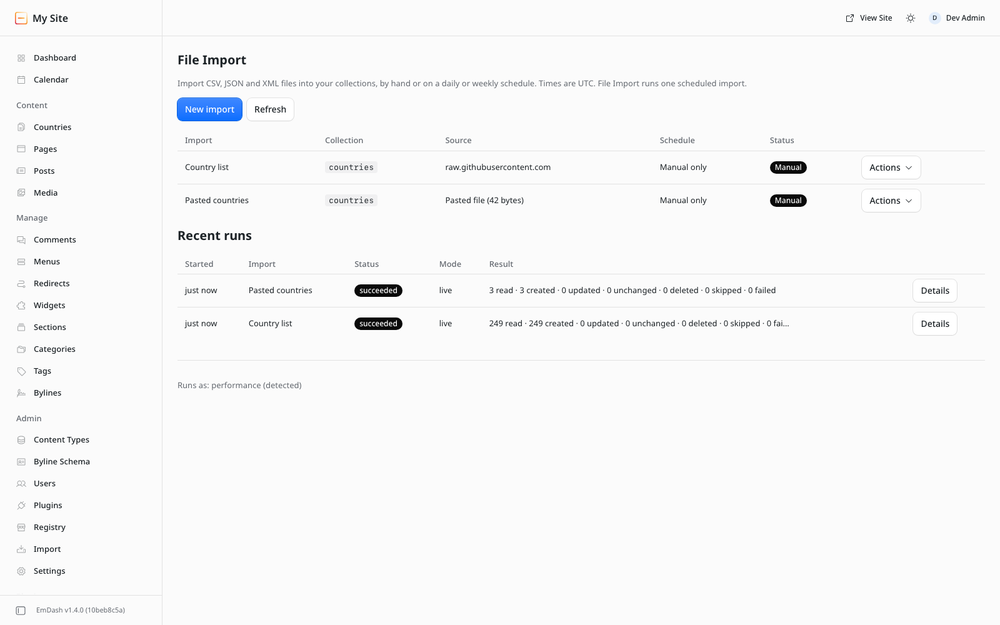
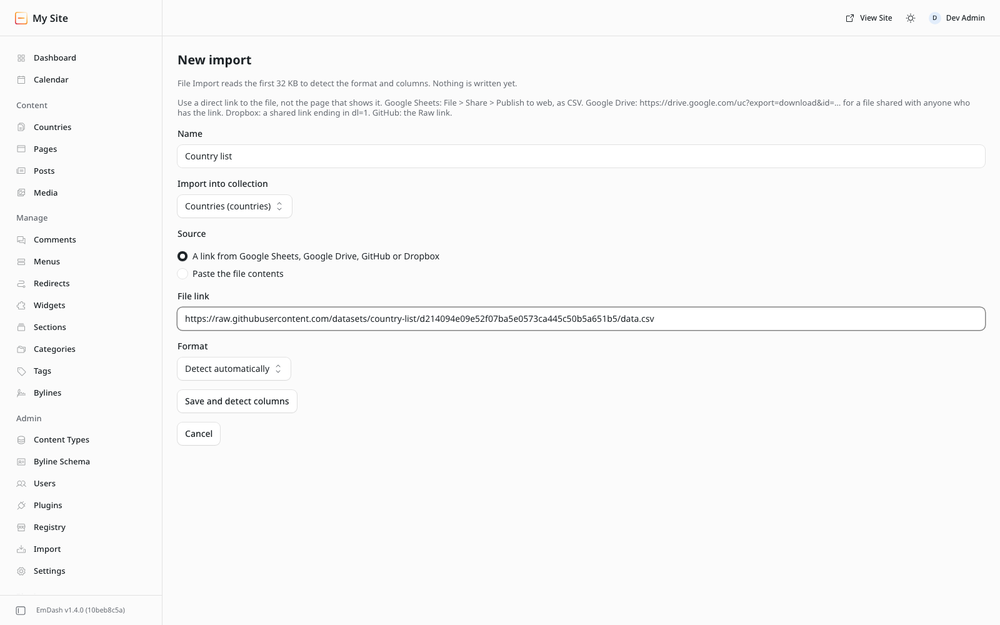
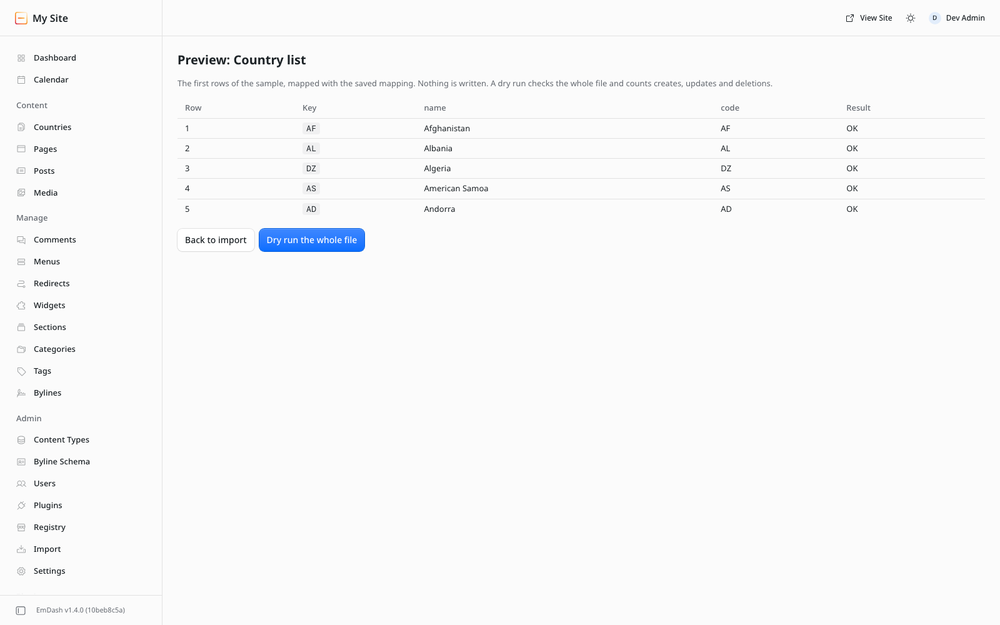
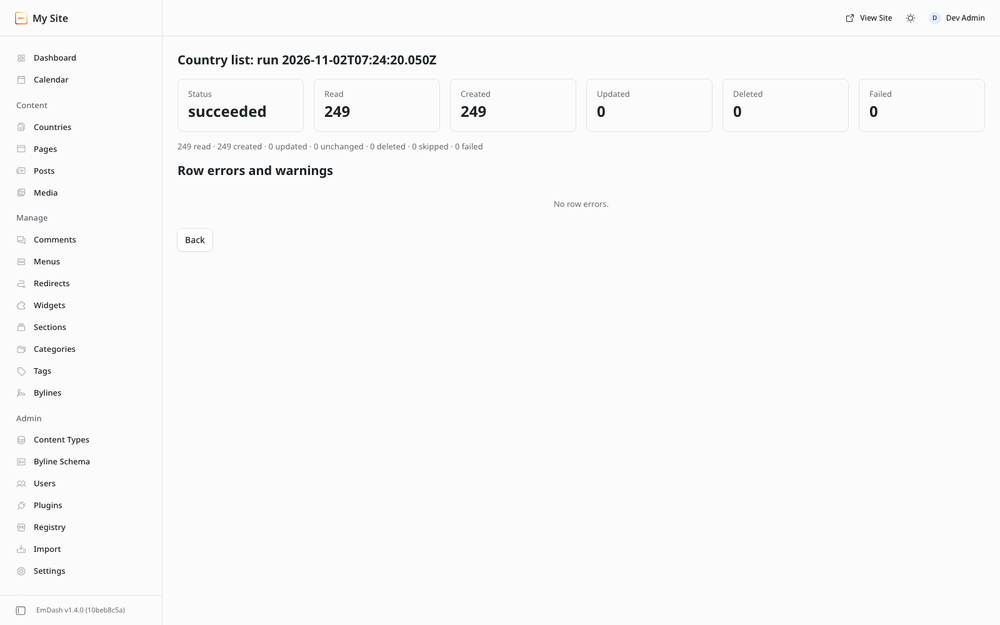
Import CSV, JSON, NDJSON and XML files into any EmDash collection. Paste a file, or link to one on Google Sheets, Google Drive, GitHub or Dropbox. Rows are matched to entries by a unique key, so every run creates what is new, updates what changed and leaves the rest alone. Every run is logged, with the rows that failed and why.
Free, with no license key and no license checks.
- any number of imports, run by hand, with dry runs and a mapping preview
- one daily or weekly schedule
- pasted files (up to 512 KB) and links from Google Sheets, Google Drive, GitHub and Dropbox
{{column}}mapping, combining columns and text- create, update and skip-unchanged, with a per-run log of row errors
- assigning existing taxonomy terms
To import from any URL, see Pinnacle Feed Import.
Screenshots
Permissions
Plugins get only the capabilities they declare and you approve. Your EmDash admin lists these again before anything installs.
Changelog
Changelog
1.0.0
- First release.
Installation
Pick one of three options.
- From the EmDash plugin registry. In your EmDash admin, find Pinnacle File Import in the plugin registry and install it. It runs in the EmDash plugin sandbox, and EmDash shows the plugin's permissions for you to approve.
- npm, sandboxed. Run
npm install @pinnacleplugins/emdash-file-import, add the plugin tosandboxed: [...]inastro.config.mjsand setsandboxRunner(for example@emdash-cms/sandbox-workerd/sandboxon Node). - npm, native. Run
npm install @pinnacleplugins/emdash-file-importand add the plugin toplugins: [...]inastro.config.mjs. It then runs in your site's own process, so use this only on hosts you trust with in-process code.
import emdash from "emdash/astro";
import plugin from "@pinnacleplugins/emdash-file-import";

// inside defineConfig({ integrations: [...] })
emdash({ plugins: [plugin] }); // native
emdash({ sandboxed: [plugin], sandboxRunner: "@emdash-cms/sandbox-workerd/sandbox" }); // sandboxed on Node
The full README, with limits, permissions and notes for agents, ships with the npm package.
Keep exploring
More plugins like Pinnacle File Import
Browse by keyword, or see everything @pinnacleplugins.com publishes.