
JPEG XL Image Optimizer
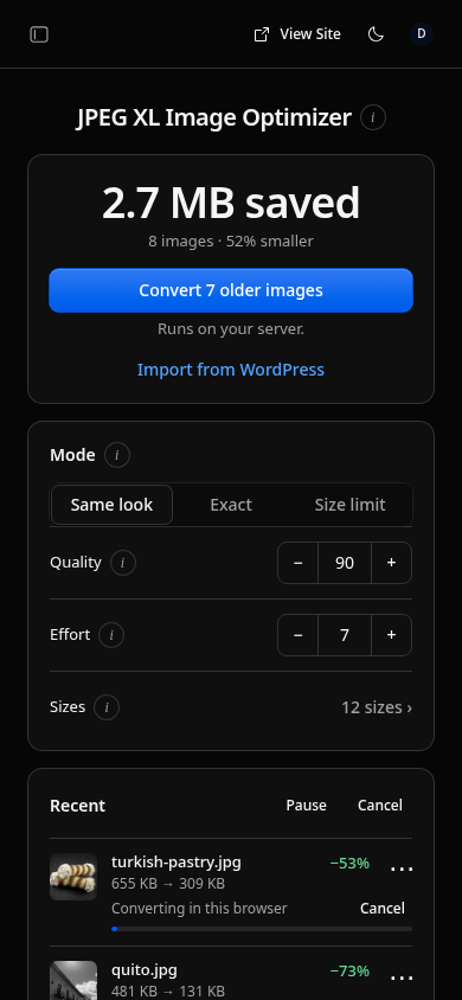
Makes images smaller with JPEG XL. Photos shrink about 75% with the same look, text stays sharp. Originals kept for incompatible browsers.
@rapier.website/jxlOr open Registry in your EmDash admin and search for this name.
Overview
Every upload gets a JPEG XL copy, served to compatible browsers. Browsers which cannot display it get served the original file.
The rapier-jxl encoder makes smaller files than libjxl at the same quality and automatically keeps text sharp inside compressed screenshots.
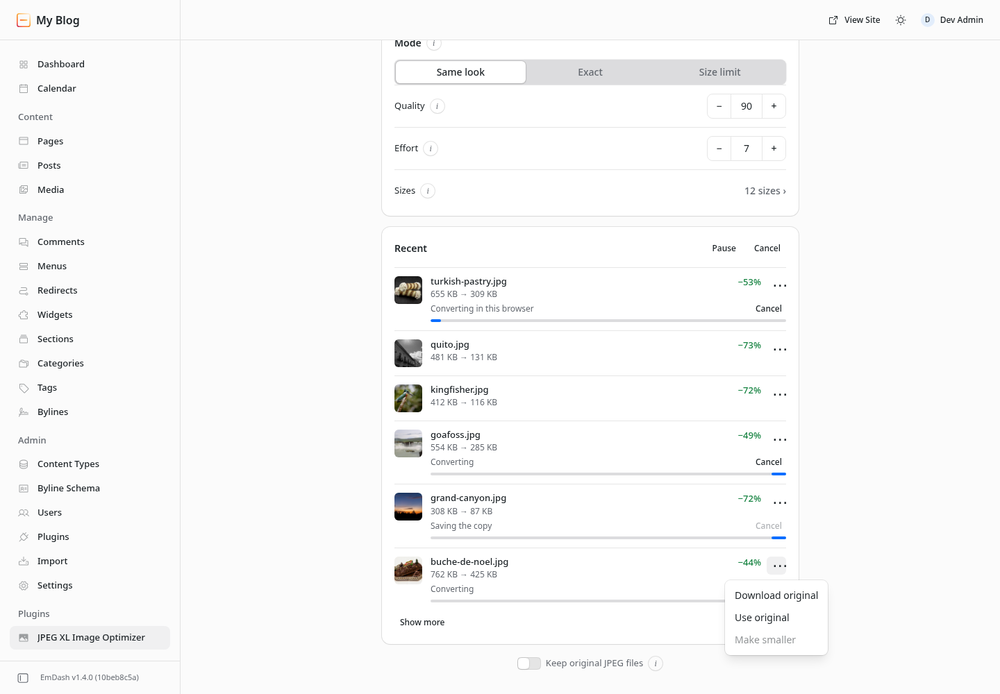
JPEGs are kept as JPEG XL, then converted back losslessly when needed. Other formats always keep the original file.
npx rapier-jxl add emdash
Works with Cloudflare R2 and Node local storage.
Screenshots
Permissions
Plugins get only the capabilities they declare and you approve. Your EmDash admin lists these again before anything installs.
FAQ
- What does this plug-in do? It makes a JPEG XL copy of every image in your media library. Browsers that show JPEG XL get the copy. Incompatible browsers are served your original file.
- Which browsers show JPEG XL? Chrome, Firefox and Safari all now support JXL by default.
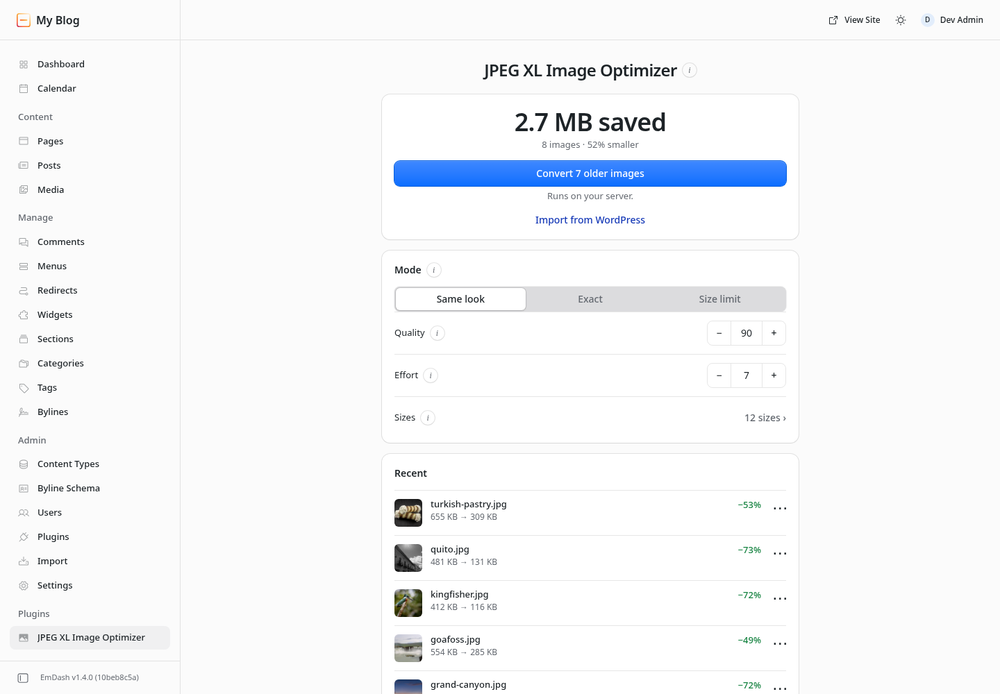
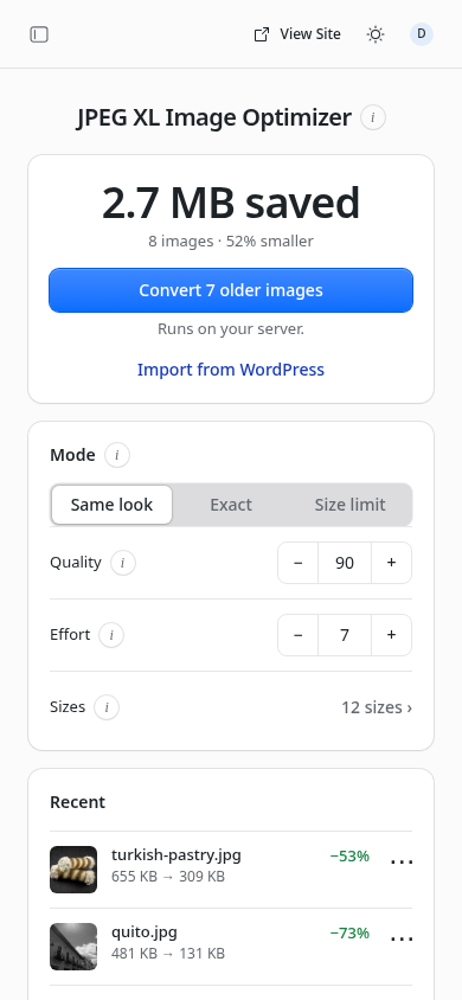
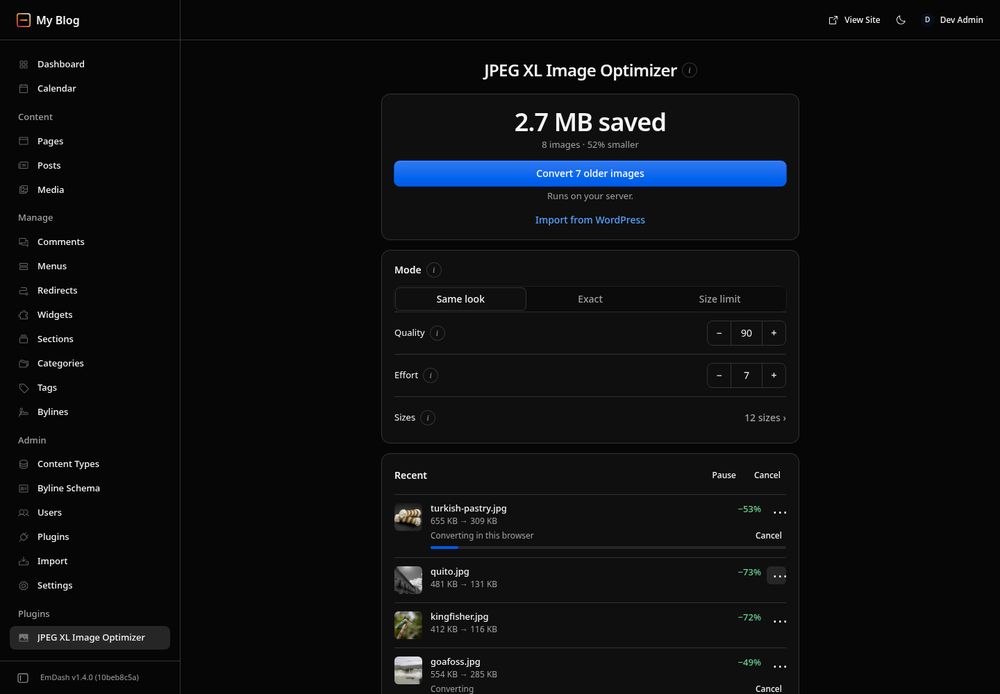
- How much smaller will my images be? "Same look" at the quality 90 default made photos about 75% smaller than the uploaded JPEG. "Exact" made files about 18% smaller with the exact same pixels.
- Will my images look worse? No. In "Same look", each copy is checked against the original with SSIMULACRA 2. "Exact" keeps every pixel unchanged.
- What happens to my original files? Nothing is ever lost. JPEGs are kept as JPEG XL, then converted back losslessly into the identical JPEG when needed. Other formats always keep the original file.
- Do I need an account, key or a subscription? No. Images are converted on your own server, or in your own browser where the server cannot handle it. Nothing is uploaded and there are no usage limits.
- What about older images or WordPress imports? The plug-in's page converts older images in the background. "Import from WordPress" brings in a WordPress export's images and updates the links in your posts.
- Which images does it convert? JPEG, PNG, WebP and AVIF. GIF and SVG are left as they are.
- What is Effort? How hard the encoder works for a smaller file, from 1 to 9. The default, 7, takes about a minute and a half for a 12-megapixel photo on a small 4-core server. Effort 3 takes about a second.
- Does it work with responsive images and CDNs? Yes. Sizes makes JPEG XL copies up to 3840 pixels wide, and image responses carry
Vary: Accept. - How do I remove it? Run
npx rapier-jxl remove emdash. It restores every original JPEG, then removes the plug-in. - What storage works? Cloudflare R2 and Node local storage.
Security
The JPEG XL Image Optimizer Registry companion displays setup instructions. It requests no capabilities and does not read media, contact external services, or store site data.
The separate native integration runs inside the site with the storage access configured by its operator. It verifies image results before publication, binds work to the original generation and delivery choice, and preserves exact JPEG reconstruction before replacing a stored JPEG with its archive. Other formats retain their original file.
Native removal requires plugins:manage. The CLI uses the installed EmDash public client, the matching unexpired login or an explicit EMDASH_TOKEN, and HTTPS for remote origins. It changes the config only after reading a saved restoration proof for the same site, storage scope and removal operation with zero remaining JPEG archives and no active writer. Blocked or ambiguous restoration leaves the integration configured. Removing the Registry guide alone has no image-storage effect.
Report security concerns to hello@rapier.website. Send a concise description without passwords, access tokens or private images.
Installation
Just run this in your site's folder:
npx rapier-jxl add emdash
Or tell your coding agent:
"Add rapier-jxl to my EmDash site with npx rapier-jxl add emdash."
Or install rapier-jxl, then in astro.config.mjs wrap your EmDash setup:
import {jxl} from 'rapier-jxl/emdash';

jxl(emdash, {database, storage});
Keep exploring
More plugins like JPEG XL Image Optimizer
Browse by keyword, or see everything @rapier.website publishes.