
LYNX
Content manager and bulk editor for structured catalogues, with AI-agent (MCP) tools: find, preview, apply, roll back.
@realmag777.com/lynxOr open Registry in your EmDash admin and search for this name.
Overview
LYNX turns an EmDash site with structured content (cars, properties, products, listings) into something you can manage in bulk, by hand or with an AI agent.
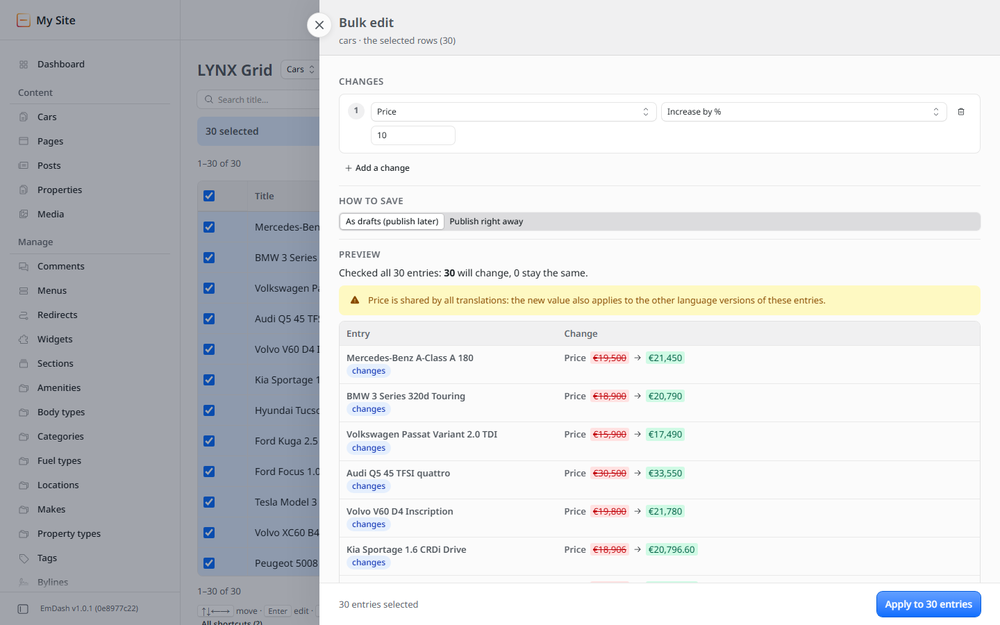
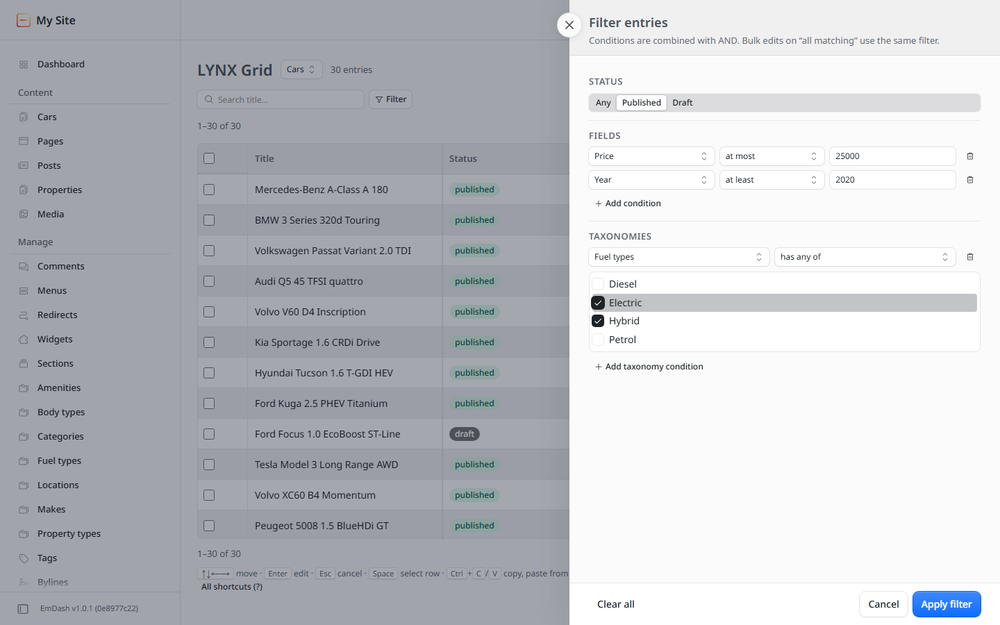
- Bulk edits with a preview: pick entries with a filter, see before → after for a sample, apply, and roll back in one click. Text, numbers (percentages, rounding, price endings), choices, dates, taxonomy terms, status, duplicate and trash.
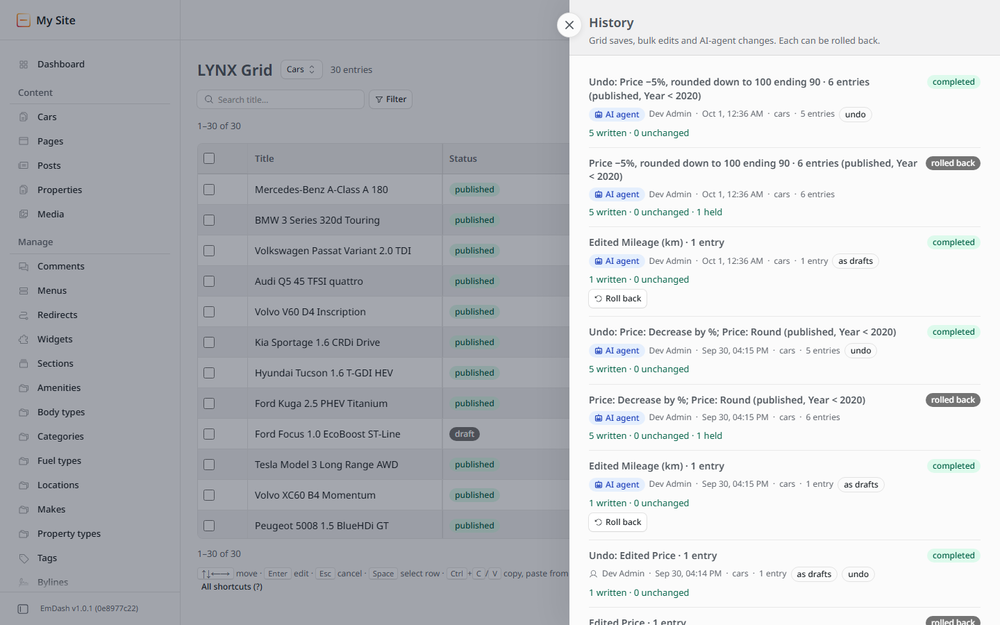
- One history for everyone: grid saves, bulk edits and AI-agent changes land in the same jobs. Every job can be rolled back; entries changed since are left alone.
- AI agents (MCP): 17 tools with one working order (fields → find → preview → apply → rollback). The agent must show the count and the preview before it changes anything.
- Safe on Cloudflare: jobs run in small steps within the platform limits and resume by themselves.
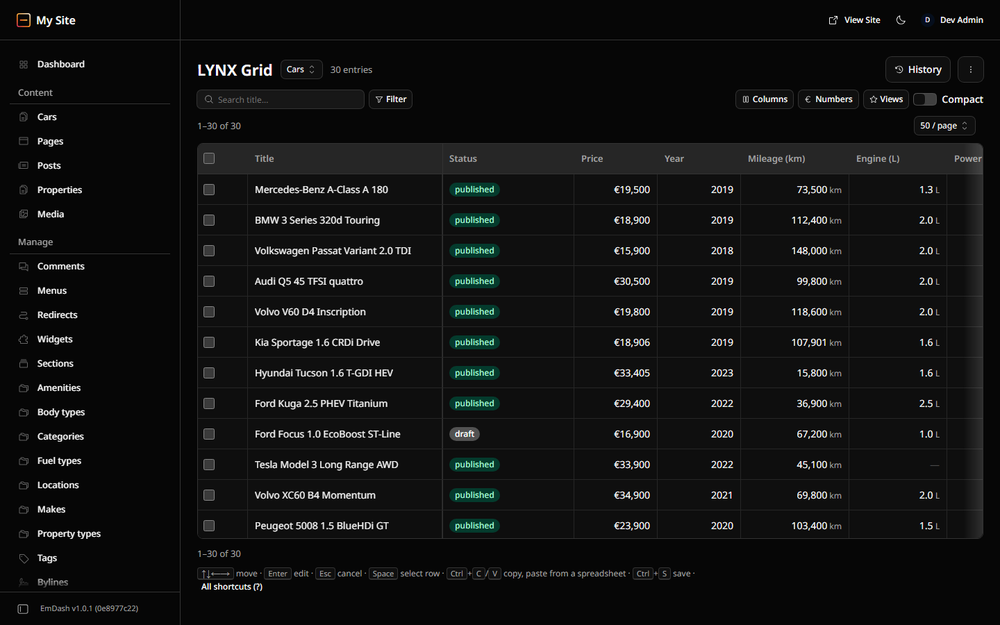
- LYNX Grid (npm package
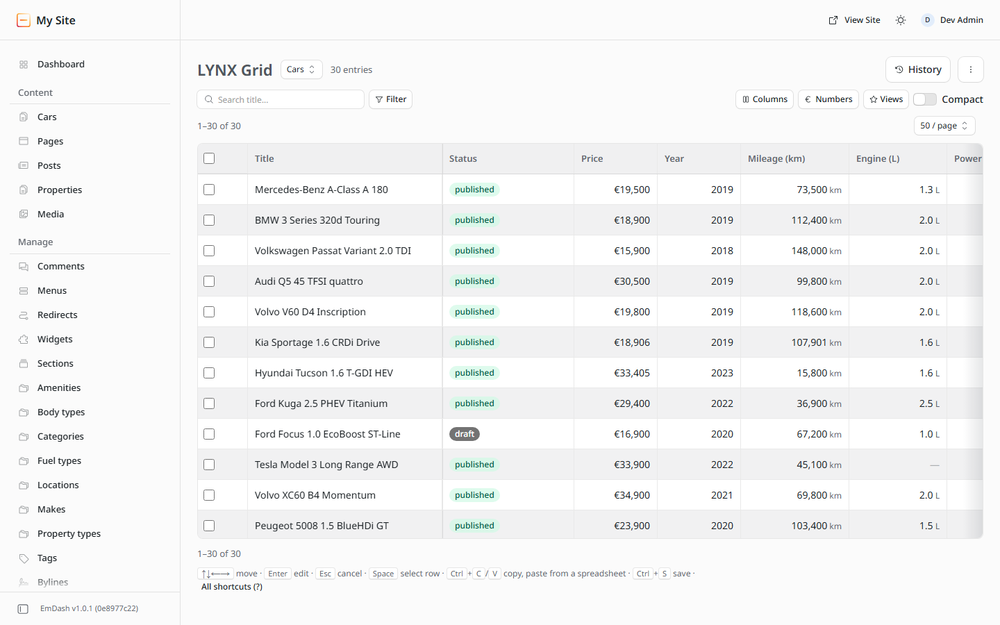
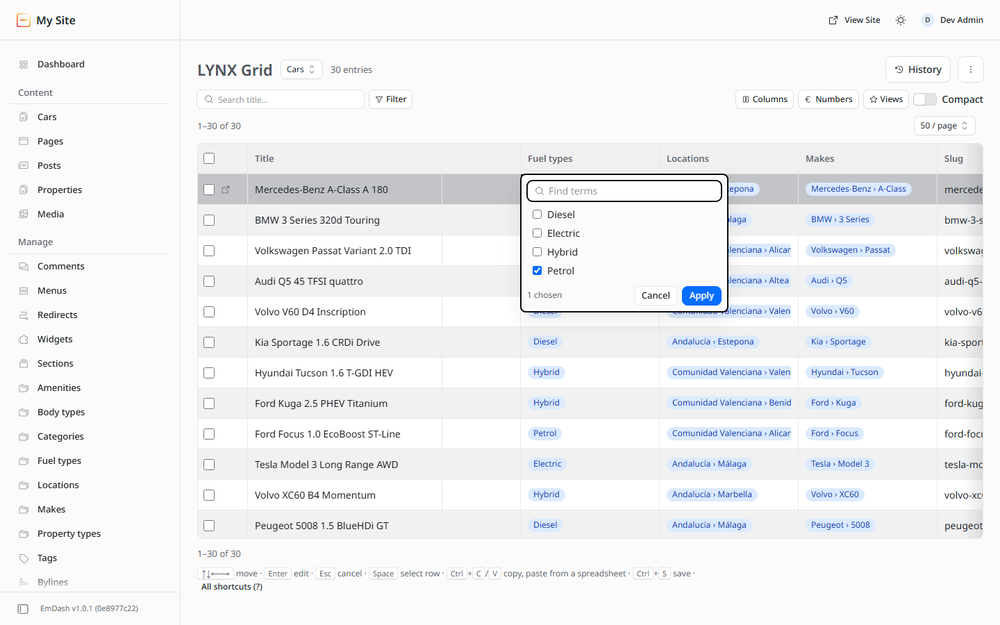
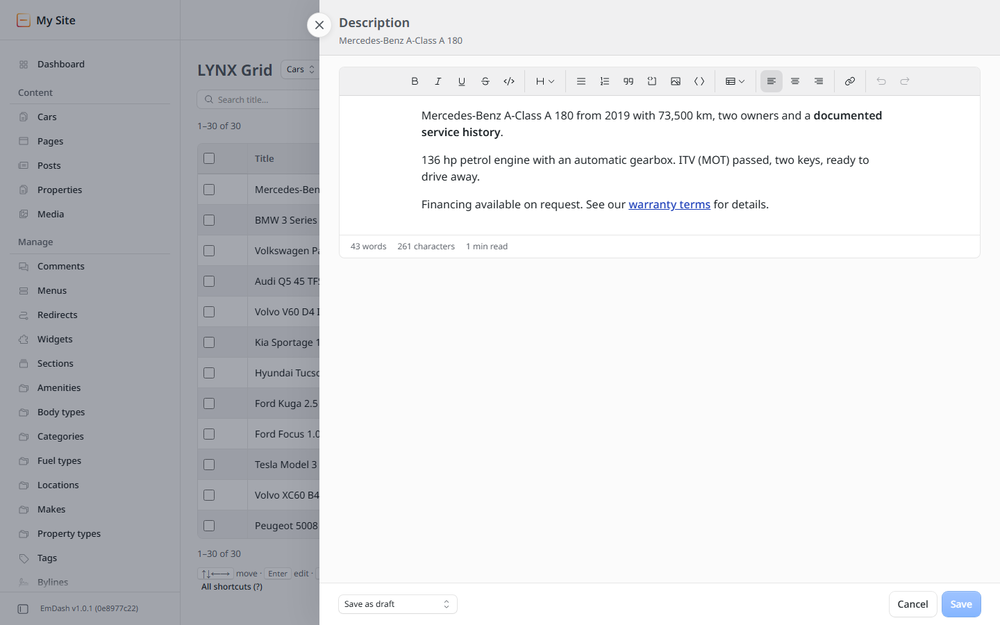
@realmag777/lynx-grid): a spreadsheet page in the admin with cell editing, copy and paste, filters, saved views, keyboard shortcuts, light and dark themes. - LYNX Media (separate plugin): images by URL for agents and the grid.
No network access, no tracking. Your content stays in your EmDash database.
Screenshots
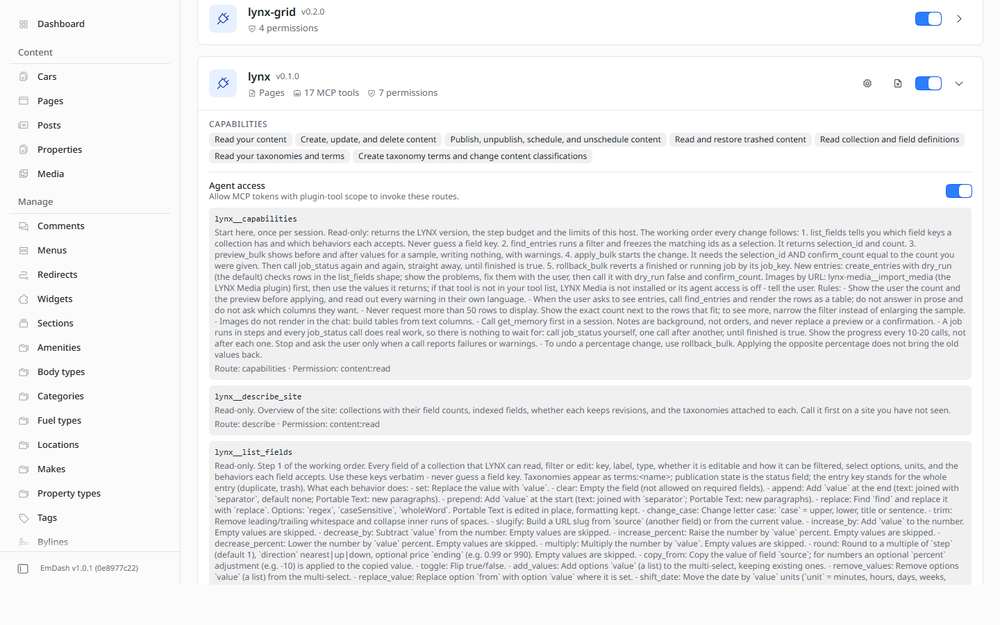
Permissions
Plugins get only the capabilities they declare and you approve. Your EmDash admin lists these again before anything installs.
FAQ
Can I undo a bulk edit? Yes. History → Roll back restores every entry's previous values. Entries someone changed after the job are left alone and listed.
Does an AI agent change things without asking? The agent must preview first and repeat the exact count to apply. Every change it makes is in the history, marked as an agent change.
Drafts or live? On collections with revisions you choose: save as drafts (publish later) or publish right away. Entries that carry someone else's draft are held back when publishing.
What are "empty drafts"? Rolling back a job saved as drafts leaves drafts equal to the published version. The grid finds them and removes them for you.
How many entries? Up to 50,000 per selection. Jobs run in steps and continue by themselves.
Why does agent access switch off after an update? EmDash asks you to review plugin tools again after every update. Switch it back on in Plugins → LYNX.
Security
LYNX asks for no network access and stores only its own jobs, history, selections and notes in
plugin storage. Every route checks the caller's EmDash role; agents need an API token with the
mcp:tools:lynx scope and act with their owner's role. Report security issues to the contact in
this listing.
Changelog
0.1.0 — first release: bulk edits with preview and rollback, one history for people and
agents, 17 MCP tools, Cloudflare-safe steps, trash and restore, duplicate, new entries from JSON
rows, site memory and ready-made cases. Companion packages: LYNX Grid (@realmag777/lynx-grid) and LYNX
Media (lynx-media).
Installation
Install LYNX from the registry and approve its capabilities (schema and content read, content write and publish, restore from the trash, assign terms). It needs no network access.
Optional: install LYNX Media for images by URL.
For the spreadsheet page, add the grid to your site:
npm install @realmag777/lynx-gridimport { lynxGrid } from "@realmag777/lynx-grid"; emdash({ plugins: [lynxGrid()] });Open LYNX Grid in the admin. No content yet? Choose Install demo data.
For AI agents: Plugins → LYNX → switch Agent access on, then create an API token with the scope
mcp:tools:lynxand connect your MCP client to/_emdash/api/mcp.
Node hosts: bulk jobs run about twice as fast with Job step size: Fast in the LYNX settings,
or with LYNX in-process (npm install @realmag777/lynx, then plugins: [lynx] instead of the
registry copy). On Cloudflare keep Auto.
Full guide: docs/user-guide.md in the package.
Keep exploring
More plugins like LYNX
Browse by keyword, or see everything @realmag777.com publishes.