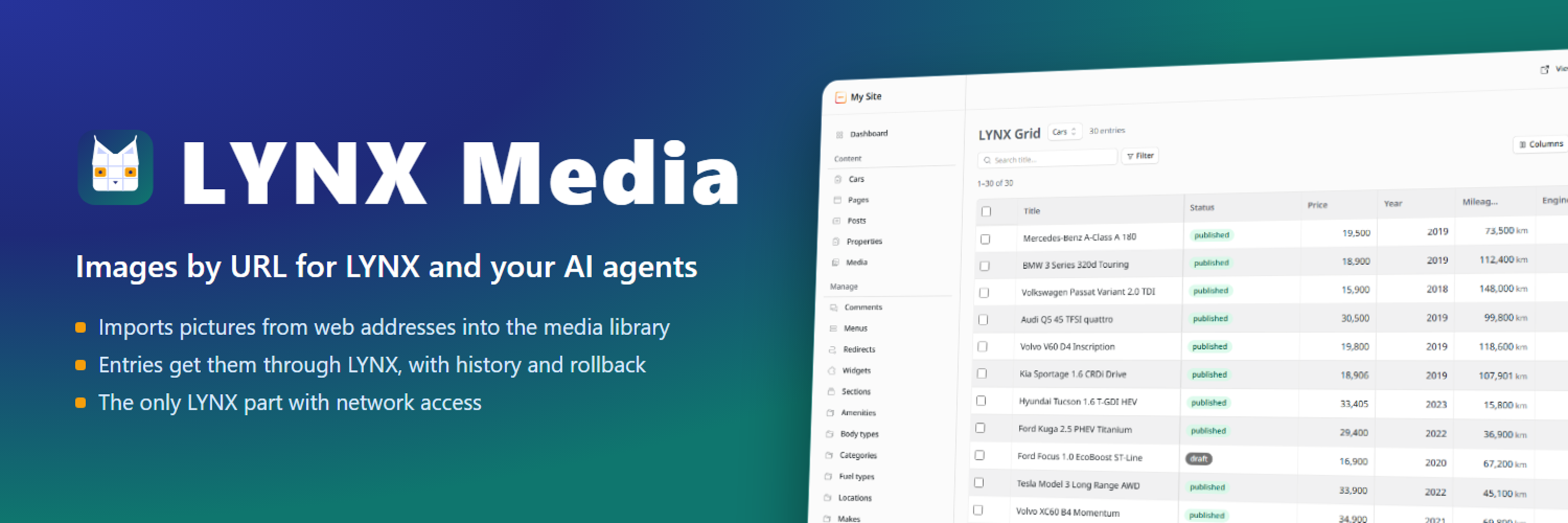

LYNX Media
Companion of LYNX: imports images by URL into the media library for AI agents. The LYNX core itself needs no network access.
@realmag777.com/lynx-mediaOr open Registry in your EmDash admin and search for this name.
Overview
LYNX Media imports images from web addresses into your EmDash media library, for the LYNX plugin and for AI agents that use it.
- One MCP tool,
lynx-media__import_media: up to 20 addresses per call, images only, 8 MB each, private network addresses refused. - It returns the value an image field takes. Entries get the picture only through LYNX
(
create_entries,update_entry,apply_bulk), so the change is in the LYNX history and can be rolled back. - In the LYNX Grid, an image cell can import a picture by URL when LYNX Media is installed.
It is the only part of LYNX with network access, kept separate so the LYNX core needs none.
Permissions
Plugins get only the capabilities they declare and you approve. Your EmDash admin lists these again before anything installs.
Security
LYNX Media fetches only the addresses it is given, refuses private network addresses and non-image responses, and stores nothing but the imported files in the media library. It has no access to content.
Installation
- Install LYNX first (LYNX Media only imports files; LYNX assigns them to entries).
- Install LYNX Media and approve its capabilities: network requests and writing to the media library.
- For AI agents: Plugins → LYNX Media → switch Agent access on, and add the scope
mcp:tools:lynx-mediato the agent's API token.
Keep exploring
More plugins like LYNX Media
Browse by keyword, or see everything @realmag777.com publishes.