

@vapvarun.bsky.social/roadmap
Roadmap and Feature Voting
A public roadmap where people vote on ideas and suggest their own, with a changelog for what shipped.
About Roadmap and Feature Voting
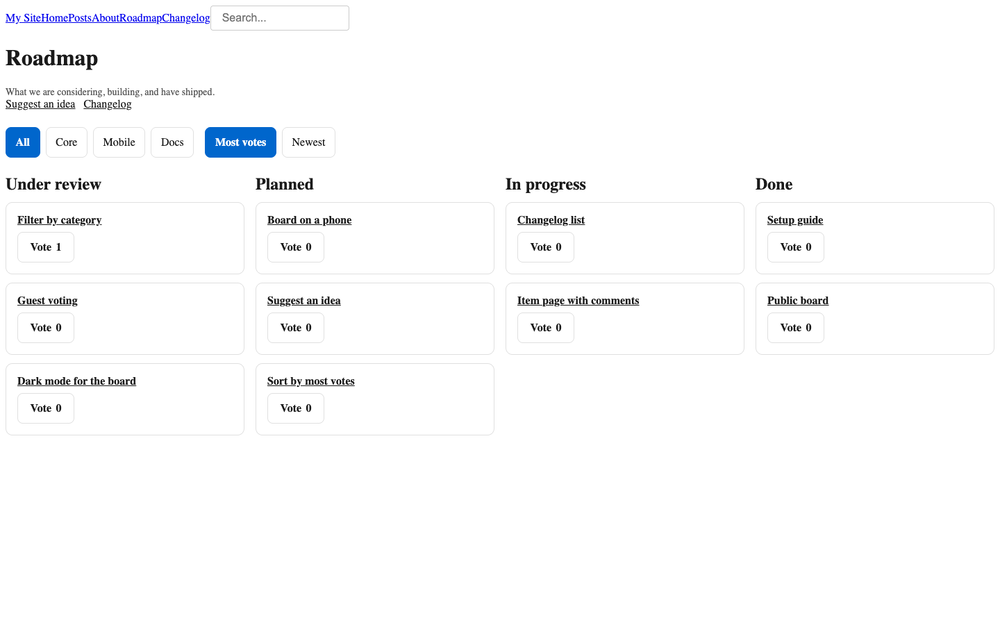
A public roadmap for any EmDash site. Visitors see what you are considering, building and have shipped. They can vote, and they can send an idea that waits for you to approve it.
What you get
- A board with stages you name. Start with Under review, Planned, In progress and Done. Add, hide, rename or reorder them.
- Voting. One vote per person per item. Click again to take it back.
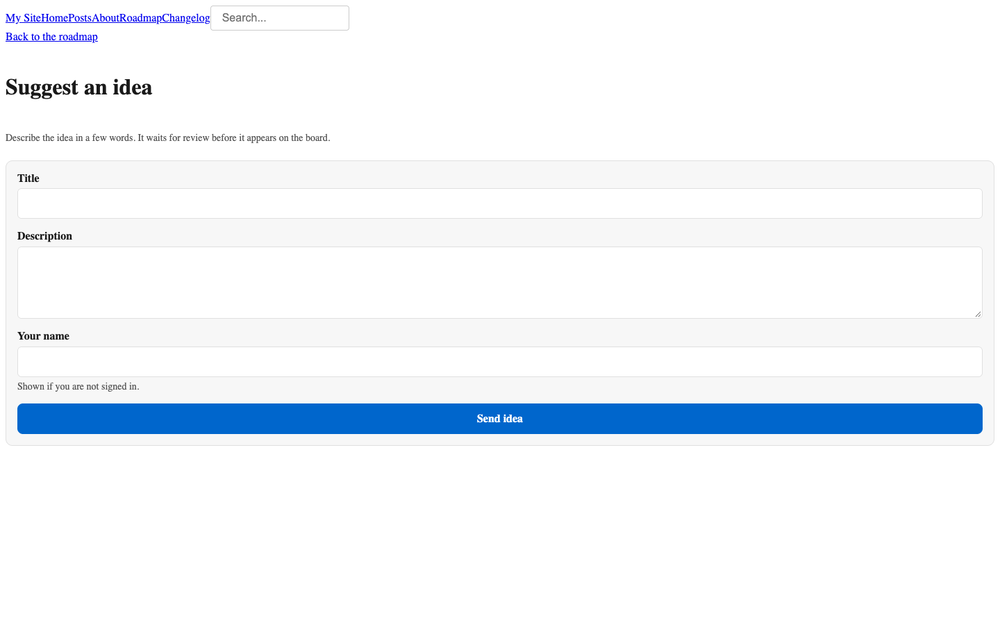
- Suggestions with approval. An idea is saved as a draft. You approve it onto the board or reject it.
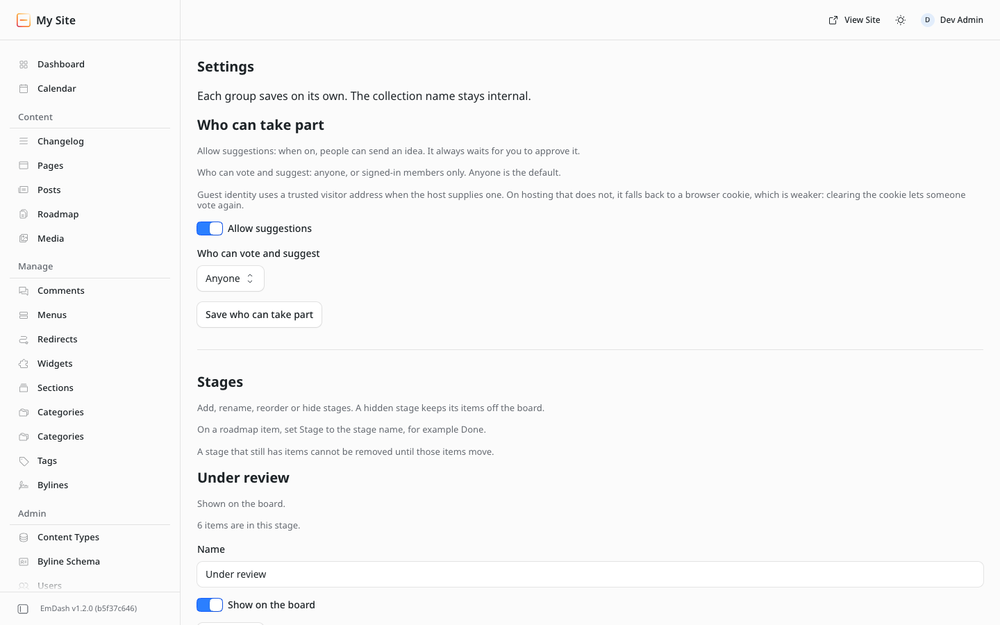
- Guests or members. You choose who can vote and suggest. Guests add a name. Written ideas always wait for review.
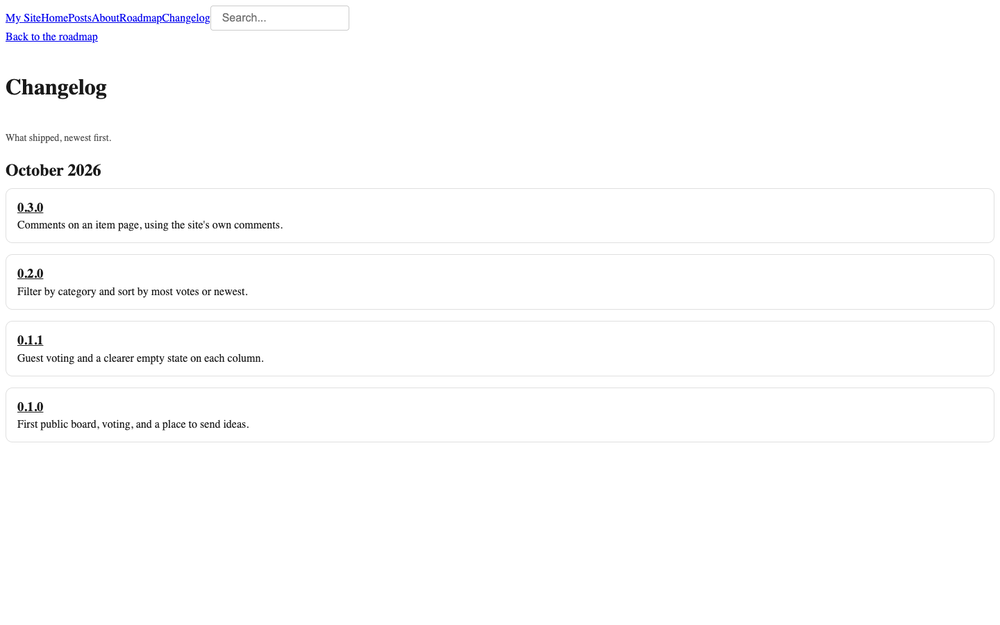
- A changelog. A second collection with a list page and a page per release.
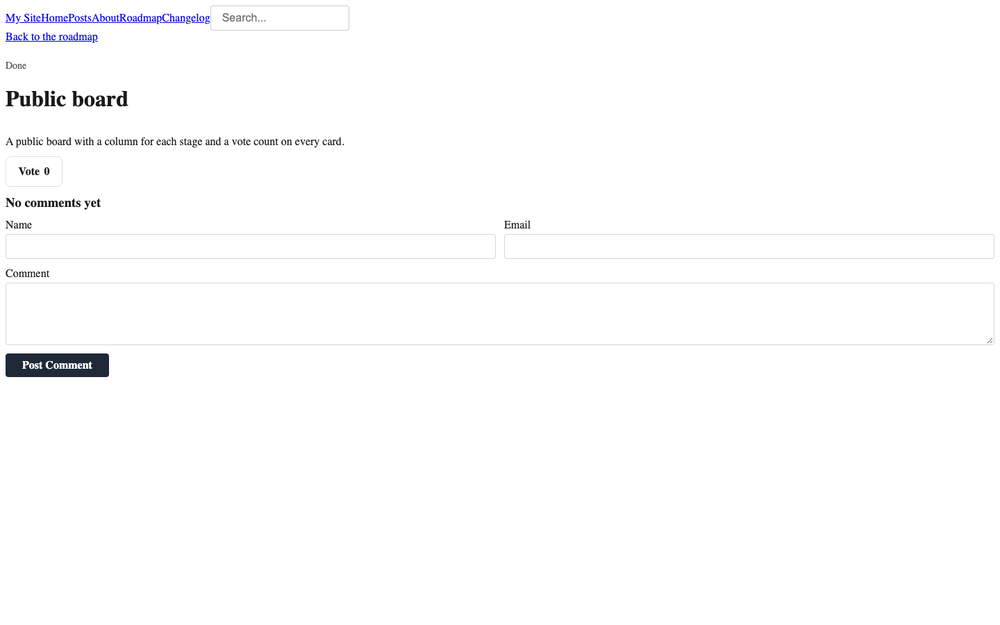
- Comments. The item page uses EmDash's own comments. Nothing extra to moderate.
- Merge. Fold a duplicate into the item you keep. Votes move across, one per person.
How it fits together
The plugin is the engine: routes, storage and the admin screens. An EmDash plugin cannot add pages to your site, so the public pages ship as a site kit you copy in once. See Installation.
The hourly email needs a mail provider. The dashboard card still shows how many ideas are waiting when mail is off.
Screenshots
Faq
Why is /roadmap/ a 404 after install?
The plugin cannot create pages. Copy the site kit pages into your site, then reload.
Can guests vote and suggest ideas? Yes, when Settings is set to Anyone, which is the default. Guests add a name on the suggest form. Every idea waits for your approval. Switch the setting to members only to require a sign-in.
Do new ideas go live straight away? No. A suggestion is saved as a draft. Approve it on Ideas to put it on the board.
What happens if I rename a stage? The board uses the new name. Items stay in that column. You do not need to edit each item.
Does it work in dark mode? Yes. The kit colours follow your site theme.
Does it send email? One short notice an hour when ideas are waiting, if the site has a mail provider. The notice has no idea text and no link. The dashboard card always shows the count.
Is there a paid version? No. Everything here is free.
Changelog
0.1.0
- New: public board with owner-managed stages, category filter and sort.
- New: member and guest voting, one vote per person, take it back.
- New: suggest an idea; it waits in Ideas until you approve or reject it.
- New: merge a duplicate. Votes move across, one per person.
- New: item page, suggest page, changelog list and release page.
- New: hourly admin email when ideas are waiting, plus a dashboard card.
Installation
- Install Roadmap and Feature Voting from the registry and confirm the permissions.
- Create a
roadmapcollection and achangelogcollection. The kit ships the field list insite-kit/seed/collection.mjs. Turn comments on for roadmap items. - Copy the site kit into your site:
site-kit/lib,site-kit/styles,site-kit/componentsandsite-kit/pagesintosrc/. - Point
layouts/RoadmapLayout.astroat your site layout if it is notBase.astro. - Add menu links to
/roadmap/and/changelog/. - Open Admin, then Settings. Choose who can take part, and set the hourly email if the site has a mail provider.
Your site needs a sandbox runner in astro.config.mjs. Without one, EmDash skips sandboxed plugins at startup.
Full steps: https://github.com/wbcomdesigns/emdash-roadmap/blob/main/site-kit/README.md