
Agent Ready by WorkPods
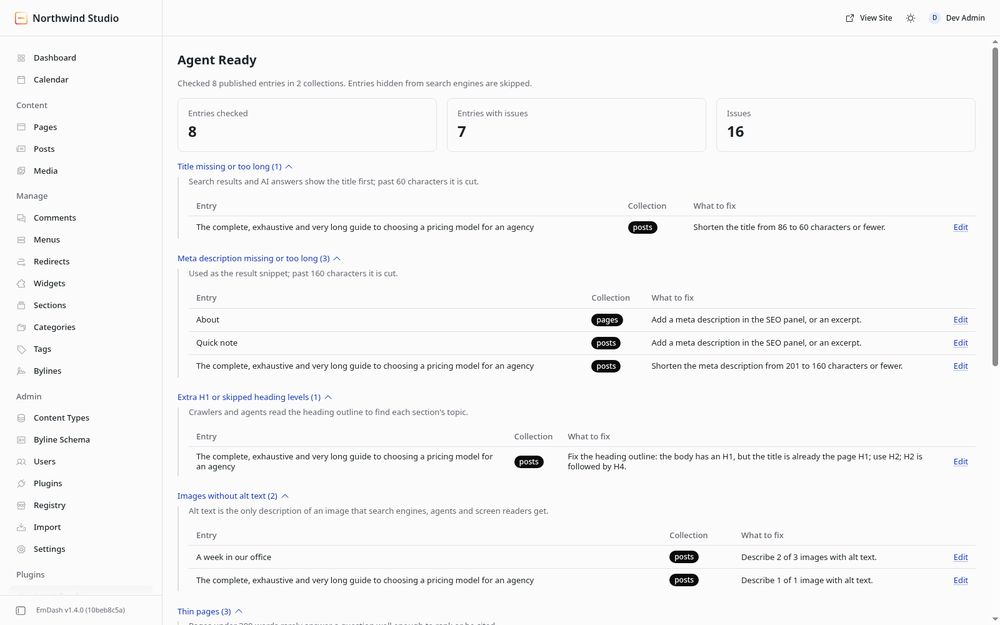
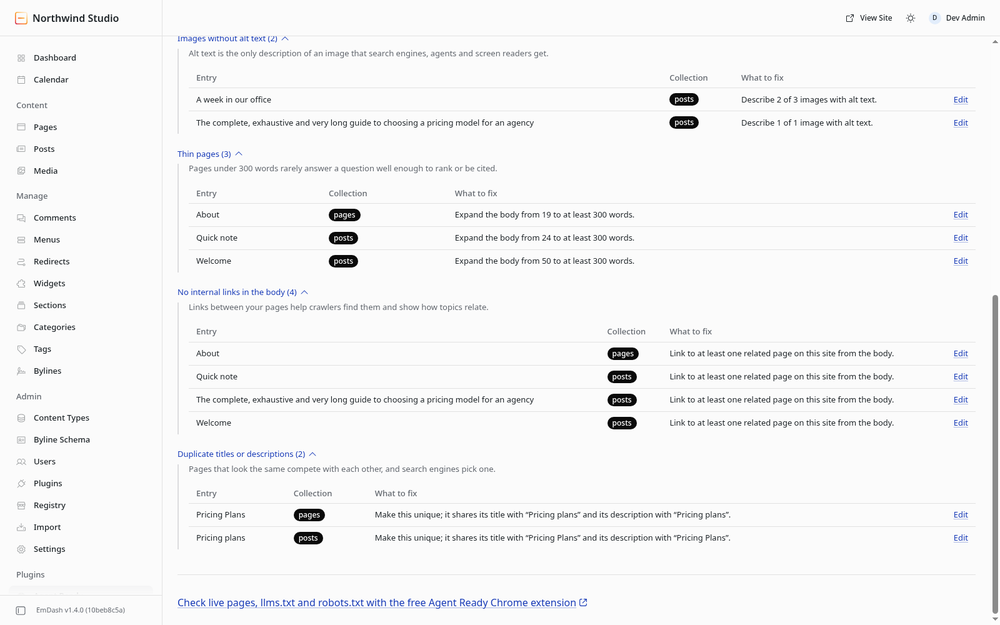
Finds what search engines, AI answers and agents trip on in your content: titles, descriptions, headings, alt text, links.
@workpods.ai/agent-readyOr open Registry in your EmDash admin and search for this name.
Screenshots
Permissions
Plugins get only the capabilities they declare and you approve. Your EmDash admin lists these again before anything installs.
FAQ
Why does it say my body has an extra H1?
EmDash templates render the entry title as the page's H1, so headings in the body should start at H2. If your template does not render the title as an H1, ignore this finding.
Which title and description does it check?
The ones search engines get: the SEO panel's title and description, falling back to the entry
title and excerpt, the same way EmDash's getSeoMeta() does.
Does it check my live pages?
No. It reads content inside EmDash only, so it needs no network access. To check rendered pages,
llms.txt and robots.txt, use the free
Agent Ready Chrome extension.
Why does it say "Partial scan"?
Each page load reads up to 800 published entries, eight list calls of 100, because sandboxed plugins on Cloudflare may make only ten host calls per request.
Changelog
0.1.0
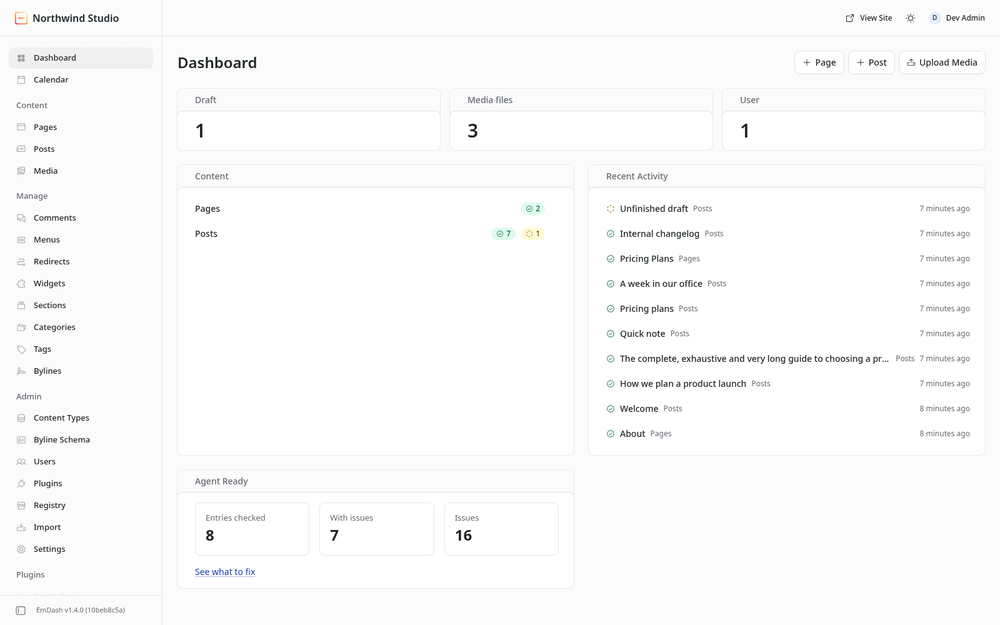
First release: an Agent Ready admin page and dashboard widget that check published entries for title and meta description length, heading outline, image alt text, thin pages, internal links and duplicate titles or descriptions.
Installation
Install from the registry
Your site needs a sandbox runner: sandbox() from @emdash-cms/cloudflare on Cloudflare Workers
(Workers Paid plan), or @emdash-cms/sandbox-workerd with workerd on Node.js. See
Plugin sandbox.
- Open Registry in the EmDash admin and search for Agent Ready.
- Select Install and confirm the two permissions: read content and read the content schema.
- Open Agent Ready in the sidebar, or add the Agent Ready widget to the dashboard.
What it reads
Every published entry in each routable collection, except entries marked Hide from search engines. It reads titles, the SEO panel, excerpts, Portable Text bodies and image fields. It writes nothing and makes no network requests.
Site URL
Set Site URL in Settings > General so absolute links to your own domain count as internal links. Restart the site after changing it; plugins read the URL when they load.
Keep exploring
More plugins like Agent Ready by WorkPods
Browse by keyword, or see everything @workpods.ai publishes.